Forum Discussion

 Contributor
AshlingRISCFree IDE Build system: 'source directory does not appear to contain CMakeLists.txt"
 Contributor
Hi Radu,
Thanks for your reply and information. Yes i have followd AN 985 and i have managed to get a working hello world project running on a MAX10 development board, although it usually invloved some manual hacking to add paths to be able to get the Ashling IDE to be able to locate the gcc toolchain and a couple of header files for example. I also needed to add a refernce to the BSP from the APP so that the project gets glued together correctly.
There are quite a lot of documents for the NIOS V from Altere, but i don't remember seeing the second document you pointed out, but i probably have seen it before (NIOSV Processor Software Developers Handbook). Actually if you look at the steps involved using the ALTERA NIOSV Tutorial AN-985 and compare them to the steps mentioned to create a single application using the Software Developers Handbook, they use a slighlty different approach, the tutorial is not using the niosv-app step but instaed instructs you to create a software directory and then to create hal_bsp and hal_app directories manually and then also the tutorial mentions creating a hellowordl.c application manually in the hal_app directory. The two appraoches are a bit different and a better tutorial should probably use the staps mentioned in the NIOSV Processor Software Developers Handbook.
I will read that new document and go through the steps it mentions in the same ordering and see if that helps me create a compoilable and working project in thsi AshlingRISCFRee IDE. In my experience with this IDE it does not create a working project and instead i end up with a project which a) cannot find the GCC compiler tools and b) cannot find many of the header files in the main C application. To solve these problems i had to resort to adding paths to the GCC tools from the Altera Quartus install manually and add paths to the include files manually.
But maybe the approach shown in the "NIOSV Software Developers Handbook" will work better !
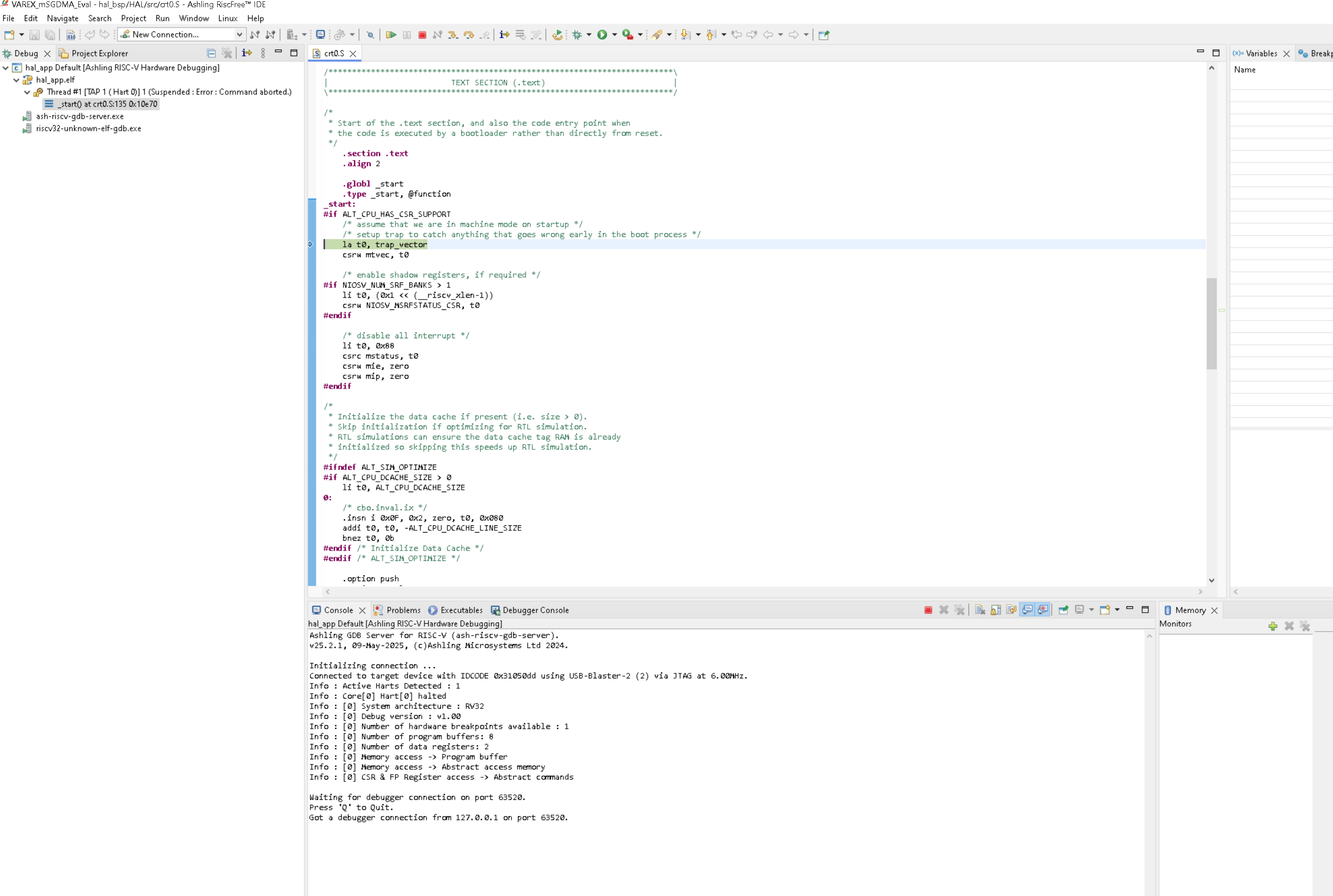
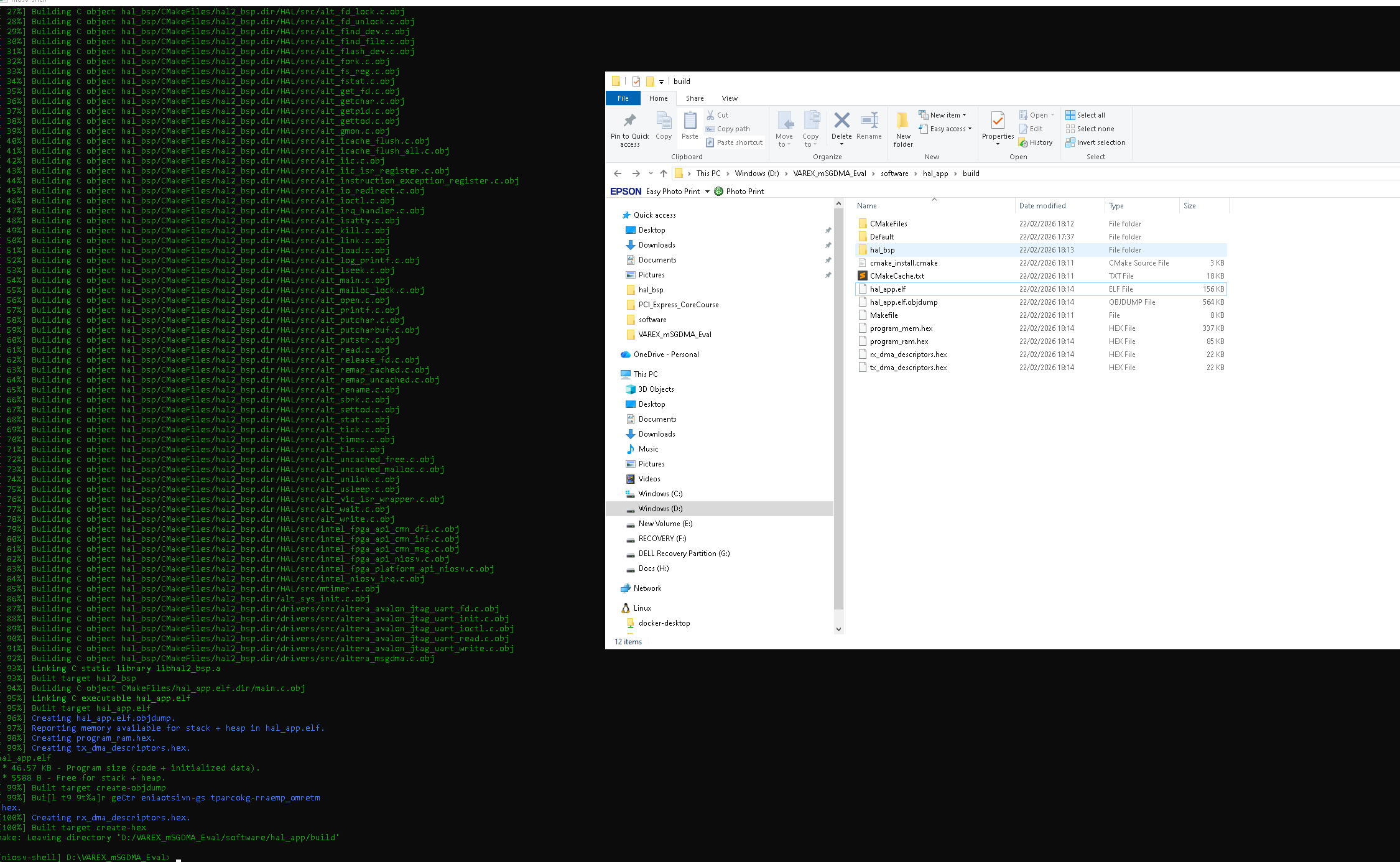
I have been using the niosv command shell to create and compile my projects because i found the Ashling RISCFRee IDE to be too buggy ! But i do use the Aashling IDE to download my ELF file to my MAX10 board and then i can run the gdb debugger through the GUI.
Thanks for your help, Dr Barry H

 Regular Contributor
- drbarryh7 months ago
Greetings tehjingy, Sorry for the delay in replying to your question. And as you asked, actually I have been battling away recently trying to get a Triple Speed Ethernet IP core to work in a MAX10 Development kit. This design uses the two mSGDMA engines that are now working, thanks for your help on that DMA area. But i am really stuck on getting a NIOSV/m processor with software to run Ethernet Frames from an ALTERA TSE.
My setup is as follows:MAX10DevKit Design :
NIOSV/m + Tx mSGDMA -> TSE Transmit [SMALL 1G MAC configuration] <- TSE Receive <- Rx mSGDMA
RaspberryPI5 <=> Ethernet <=> MAX10 Dev Kit
I have software to initialise both the MARVELL 88E1111 PHY and the TSE in 1G Small MAC Mode
The software uses interrupts as before the Tx mSGDMA and the Rx mSGDMA and this is working because it uses the same approach as my other design which has the mSGDMA loop back working uising two mSGDMA Engines. One configured as Tx mSGDMA :: AVALON-MM -> AVALON-ST ---> AVALON-ST -> AVALON-MM -> Rx:mSGDMA
What i see is the MARVEL 88E1111 PHY doing auto negotiation with a RaspberryPI5 and saying LINK UP
But when i try to send any Ethernet frames (i am sending Frames with a IPv4 + TCP Payload), the first thing my software tries to send is a TCP 3 weay handshake, so from the MAX10 FPGA should send a IPv4 + TCP packet with SYN flag set. On the RaspberryPI 5 i use WIRESHARK to detect packets and i never see any packet being sent by the TSE.
If you could help me figure out why the TSE is not working i can send you my entire project (i am using Quartus Lite 25.1 at the moment) as a 7ZIP file to an email address perhaps ? I don;t think i can attach such a larger file to this post can i!
Best regards, Dr Barry H
- tehjingy_Altera7 months ago
Hi drbarryh
Since this case was created regarding the RiscFree IDE Cmakelist not appearing.
Is the initial issue resolved?
I would suggest that we continue the TSE related discussion in the other post :
- drbarryh7 months ago
Hi tehjingy, no the issues are not rssolved yet because i still cannot get the ALTERA TSE to work properly in my design and to send any packets to a RaspberryPI5. I will email you my project, and i am grateful if you can try it out and suggest any bugs and fixes in the design hardware and sofwatre ?
The TSE in this proejct is now configured to use the SMALL MAC variation at 1G to try and simplify things. When i start up the Software and run it i can see it reporting that AUTO NEGOTIATION is completed between the MAX10 Dev board and the PI5. A good signa that the link is being established at the correct 1G speed.
In the software I was initially trying to do a 3 way TCP handshake between MAX10 dev board and a PI5. But in Wireshark nothing comes through on the PI5 end. There might be some sort of timing constraint problem in the FPGA but i can't seem to find it ! I have had a scope on all 8 of the DDR differential signals you can access on the RJ45 ENETA connector (you can probe them on the bottom of the MAX10 Dev baord) and i can see activity is going on all of the 8 Differential data signals, at around 800 mv.
I have also made it possinble for the MAX10 Dev board to send either UDP frames or TCP frames. The selection between TCP and UDP is done using a flag on line 436 of the C program (called msgdma_tse_app.cin the software\hal_app DIRECTORY ).
#define TCP_UDP_SELECT PROTO_UDP /* ← change to PROTO_TCP for TCP mode */
Yes I am using the MAX10 Development Kit you have pointed to in your private email. And on the other end of the Ethernet link i am using a Raspberry PI5. I have set the MAC SOURCE address to use ENETA on the MAX 10 dev kit, and to use the MAC DEST as that of my RaspverryPi5. I have set source and destination addresses and port numbers in the sofware. All of these values are set starrting on line 424 ending around line 472 for the IP addresses, port numbers etc.Best regards, Barry