Forum Discussion

 Occasional Contributor
Altera SSLC License
Hello,
I am having issues with the Altera / Intel Self Service License Center. According to the help available online ,I should have several options in the "Licenses" menu, yet these ones are missing on my portal (Chrome, Edge, Safari: tried all latest browsers):
- New Licenses
- Licenses With Active Maintenance
- Licenses With Expired Maintenance
- All Licenses
- Legacy Licenses
- Employee and Evaluation License
What is also missing seems to be the License Assistant. The blue chat button is nowhere to be found (and I tried all the pages on SSLC).
Is this a backend configuration issue? Could someone post screenshots of their SSLC, showing whether or not they have access to the hidden menus I am missing?
20 Replies
 covfefe
When should we expect the missing menus to be on the website? Or the help documentation to match the website?
 paveetirrasrie_Altera
Frequent Contributor
Hello,
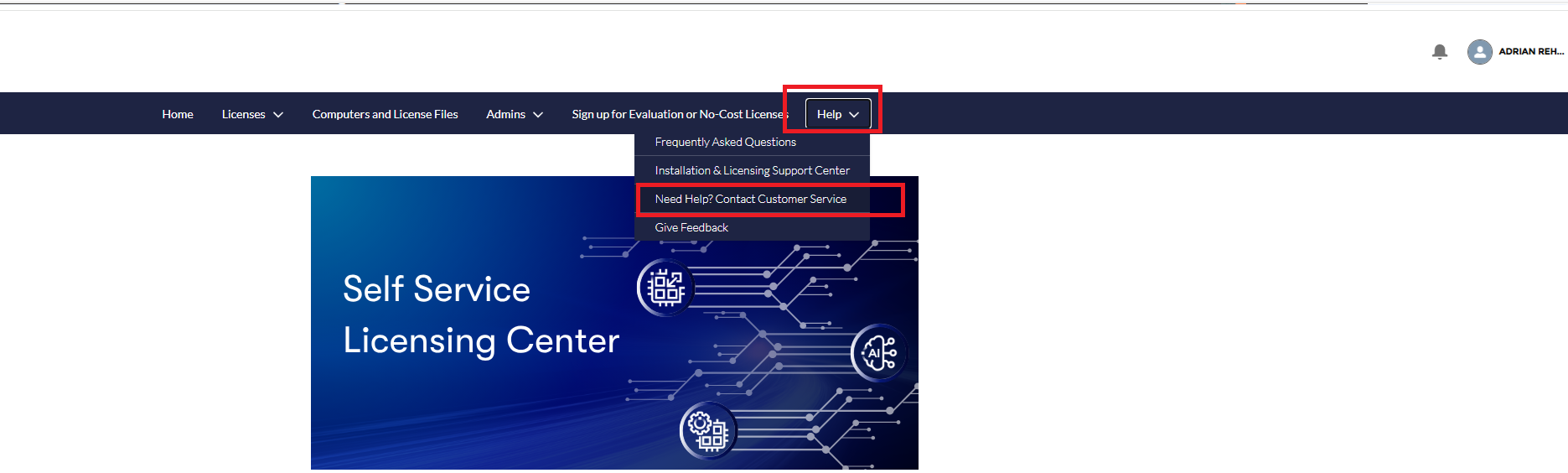
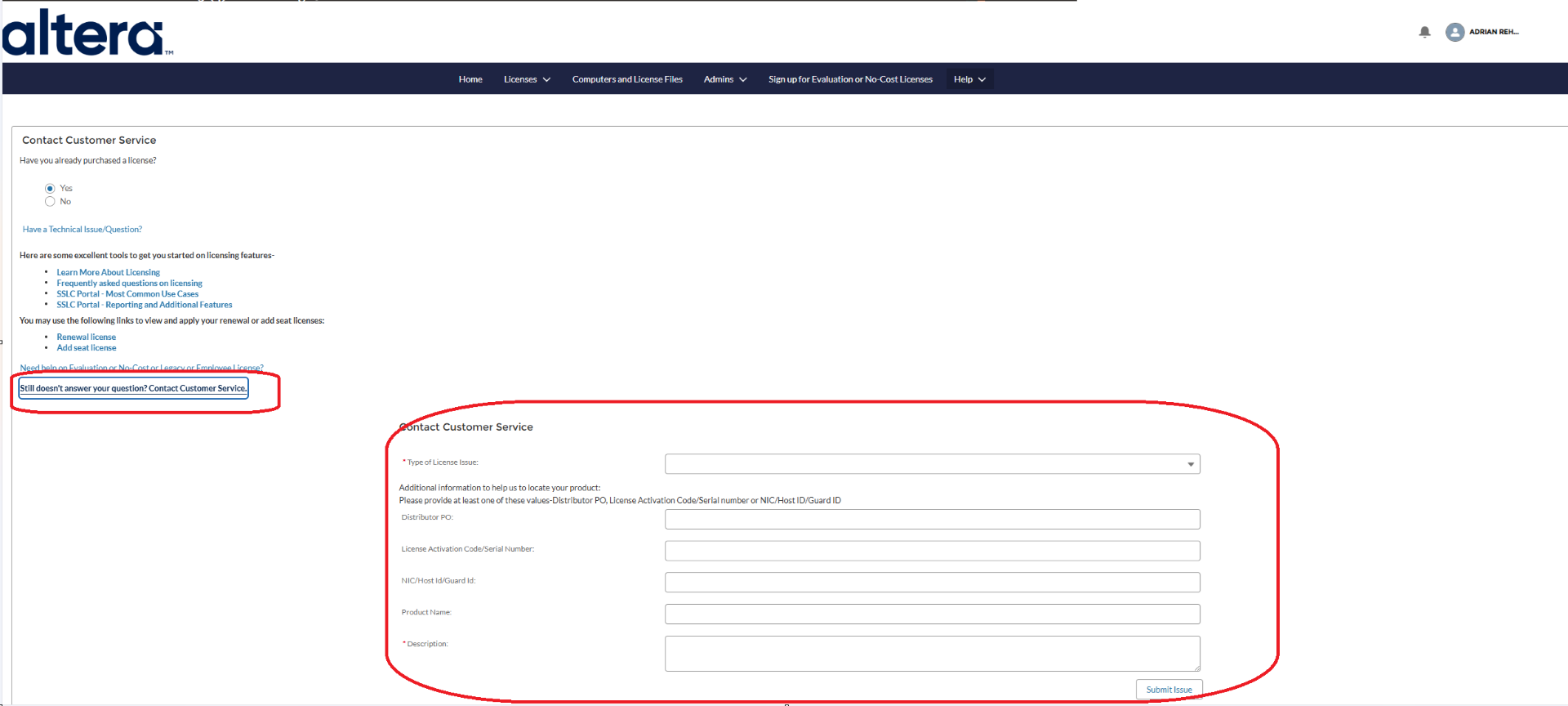
Licensing team would be the right one to answer this. To submit the request, please follow the steps below:
- Log in to the SSLC Portal at https://www.altera.com/SSLC
- Go to Help
- Select Contact Customer Service
- Fill up the details & Click Submit
- covfefe
I thought so too. I opened a couple tickets, but all of them got closed telling me to post here instead.
At this point, 4 months later I’m just getting the runaround and unable to activate my license, it’s extremely frustrating.
- covfefe
Is anyone able to help?
 sstrell
Super Contributor
Have you actually purchased licenses from a distributor yet? I don't think you'll see these options until you do. And of course you won't see the employee option unless you are an Altera employee. Evaluation licenses are at the option to the right (Sign up for Evalution or No-Cost Licenses); they didn't update the screenshot in the doc so it still shows what it looked like at Intel.
No clue why the License Assistant isn't there.
- covfefe
Yes I have purchased a license but can't manage to use the SSLC to activate it and bind it to a computer.
Menus are missing, and License Assistant is missing as well as explained in the opening post.
- sstrell
I'd contact your distributor to make sure they have added your license to the SSLC.


