Forum Discussion

 Occasional Contributor
Error (209014): CONF_DONE pin failed to go high in device 1.
 Occasional Contributor
Hi FakhrulA_altera & FvM ,
Thanks for your valuable suggestion. I went through Cyclone V E dev kit user guide and set my DPI swichs to default mode. I am attaching the screenshot of my DPI switch setting as well as user guide suggested screenshot. Then I have tried to flash my led blink code as well
- Try programming one of the example .sof files from the Cyclone V E Development Kit design package.
from below websit:
https://docs.altera.com/v/u/resources/770950/cycloneve-5cefa7f31-fpga-v12.1.1.0.zip
Still I am getting the same error when I tried to use built in embedded usb blaster. For your reference I am attaching the screenshot. Could you please suggest do I miss anything it settings of DPI switches. I am using Quartus Prime 19.1 Lite edition.
Thanks & Regards,
Sameer

 Regular Contributor
Hi Sameer,
Thank you for checking with the default DIP switch settings and also trying the example .sof.
Since the same CONF_DONE error occurs with both your design and the official example .sof, this may not be related to your LED design. The next step is to isolate whether the issue is from the board setup or the configuration path.
Please help to check the following:
- Confirm the exact FPGA part number printed on the board/device matches 5CEFA7F31.
- In Quartus Programmer, try Auto Detect again and confirm the JTAG chain is detected correctly.
- Make sure only the correct .sof for 5CEFA7F31 is assigned to the FPGA device.
- Power cycle the board, then try programming again using the built-in USB-Blaster II.
- If possible, please share a clear screenshot of the Quartus Programmer setup, including the full JTAG chain and assigned .sof file.
As the example .sof also fails, the issue may be related to board configuration, power, or the CONF_DONE path rather than the design file itself.
Regards,
Fakhrul
- Sameer-sahu3 months ago
Hi FakhrulA_altera ,
I am not getting any response. Could you please suggest anything. - Sameer-sahu3 months ago
Hi FakhrulA_altera ,
All these suggestion are tried by me. Please check my previous post and screenshot. Do I miss anything? These suggestion are suggested by FvM earlier & I have tried. Is there any possibility of that will break my JTAG in this Dev board?
Regards,
Sameer - Sameer-sahu3 months ago
Hi FakhrulA_altera ,
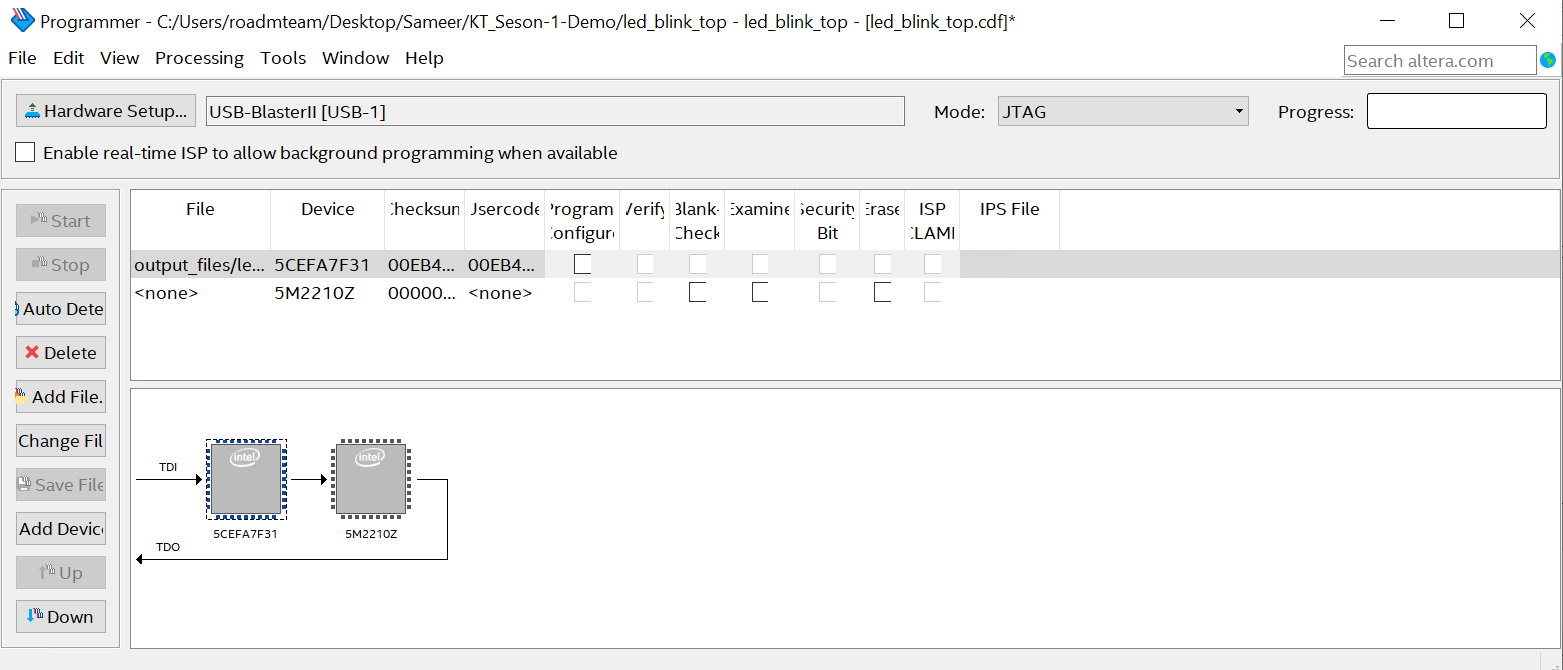
Below is the steps I followed to flash the .sof file to my Cyclone V E dev kit and I am attaching my screenshots of each steps.
1)1st open the programmer and delete the existing file and in hardware setup it was showing USB-Blaster II.
2)Then I click on auto detect and it show 3 options i.e., 5CEBA7, 5CEFA7, & 5CEFA7ES.
3)Then I choose 5CEFA7 & affter then in the window TDI->5CEFA7->5M2210Z->TDO option came.
4)Then I choose change file to the bitstream file I generated to flash. Then in window it apperance changed to TDI->5CEFA7F31->5M2210Z->TDO.
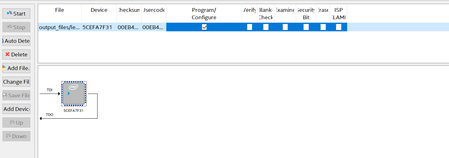
5)Then I choose program/configuration box tic mark for device 5CEFA7F31.
6)Then I click start and after that D12 led glow for some time. After that again I got the same error.
I am attaching all steps clear screenshot. PFA.