Forum Discussion

Savino's avatar
Savino
Icon for New Contributor rankNew Contributor
10 months ago
Solved

Simulating by ModelSIM signals multiple blocks nested inside each other on quartus||

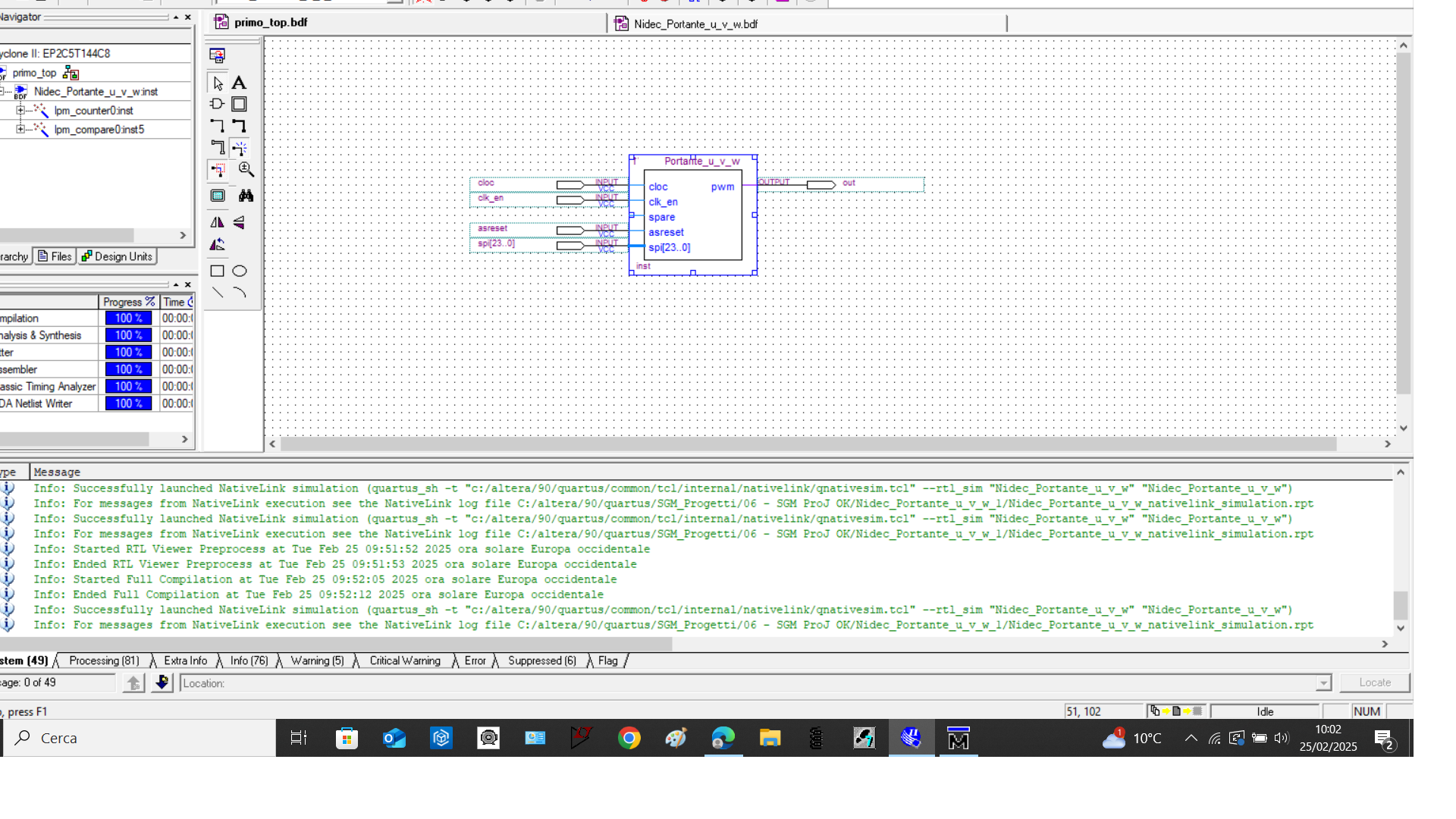
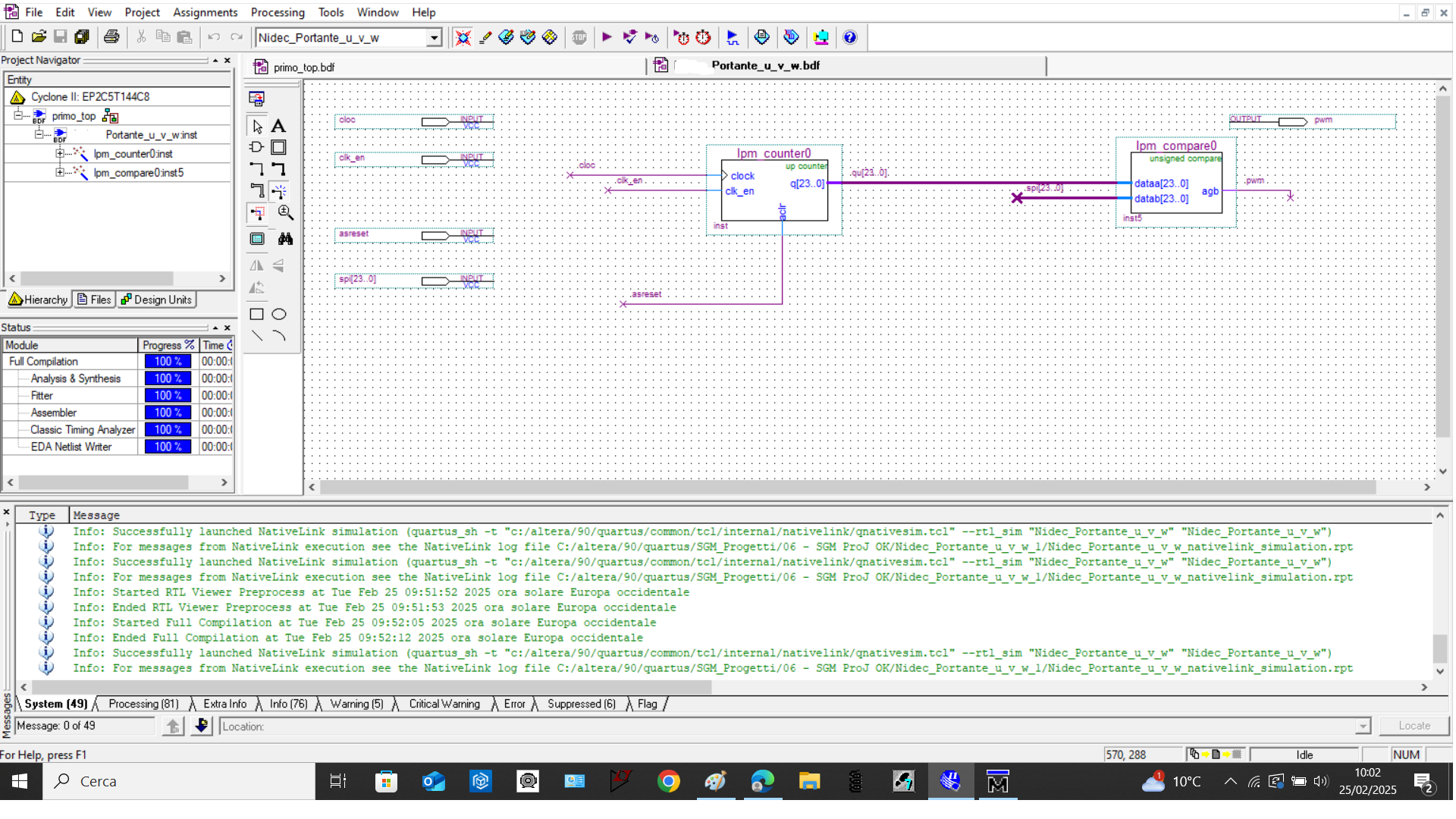
good morning, in the quartus|| environment I inserted in a new schematic file, two blocks: an LPM Counter and an LPM compare and other signal like clock, ect. After that I created a new block containing the two block. Now if I try to simulate the entire program with modelSIM, in the work folder only the signals of the two blocks "LPM Counter" and "LPM compare" appear but not all those that are there. How can I solve this problem.

  • Hi,

    Please follow the previous mentioned steps.

    In work library, double click the main screenshot:

    In object panel, you'll see those signals clk, clk_en, cnt_en, as_res, spi, out. Select all and right-click -> Add Wave screenshot:

    Those signals will be added to wave panel screenshot:

    Thanks,

    Regards,

    Sheng

20 Replies

  • Savino's avatar
    Savino
    Icon for New Contributor rankNew Contributor

    hi, I create a block first, after I create a file .hdl (main) but when I simulate by means ModelSIm, in work folder is missing the main file.

  • Savino's avatar
    Savino
    Icon for New Contributor rankNew Contributor

    could send me back the entier project with files main ecc how you showed me in screenshot please?

  • Savino's avatar
    Savino
    Icon for New Contributor rankNew Contributor

    I ask at the end some tips: can you explain the procedure to change the extension to the file from .bdf to .hdl? This why I am not sure wich file I need to change the extension, at main file or at the file that contain all the block. I tried to change at one file but after i am not able anymore to see the file himself since i change the extension. This only please.

  • Hi,

    In Project Navigator -> Files, all the .bdf need to be changed to HDL. Double click the .bdf -> File -> Create/Update -> Create HDL Design File from Current File.

    Then include the HDL files (.v/.vhd) to Project Navigator and remove the .bdf from Project Navigator. Attached the design for your reference.

    Thanks,

    Regards,

    Sheng

  • Savino's avatar
    Savino
    Icon for New Contributor rankNew Contributor

    again many tks, all clear now and i can simulate all that I need. Very good community here.

    I have now a new question: when I open ModelSIm and I try to force a variable (ex. at 15 bitn lenght), i know how force but, is possible load some value (like a pre-load?). I mean: i want load some data that each clock cycle need to be update with new force value. Is it posible?.

    Examplke:

    clk = 1 0 1 0 1 0 1 0 1 0 1 0 1 0 ..................ecc

    q(13..0) = 1 3 4 5 7 7 66 76 45 34 55 66 77 77 ..................ecc

    so there is a way to load like a file in to q(13..0) that every rising clock edge, automatcly this value change/update?

  • Hi,


    For new question, please open a new case for better view.


    Thanks,

    Regards,

    Sheng