Forum Discussion

 New Contributor
Questa Intel FPGA Starter Edition License Issue
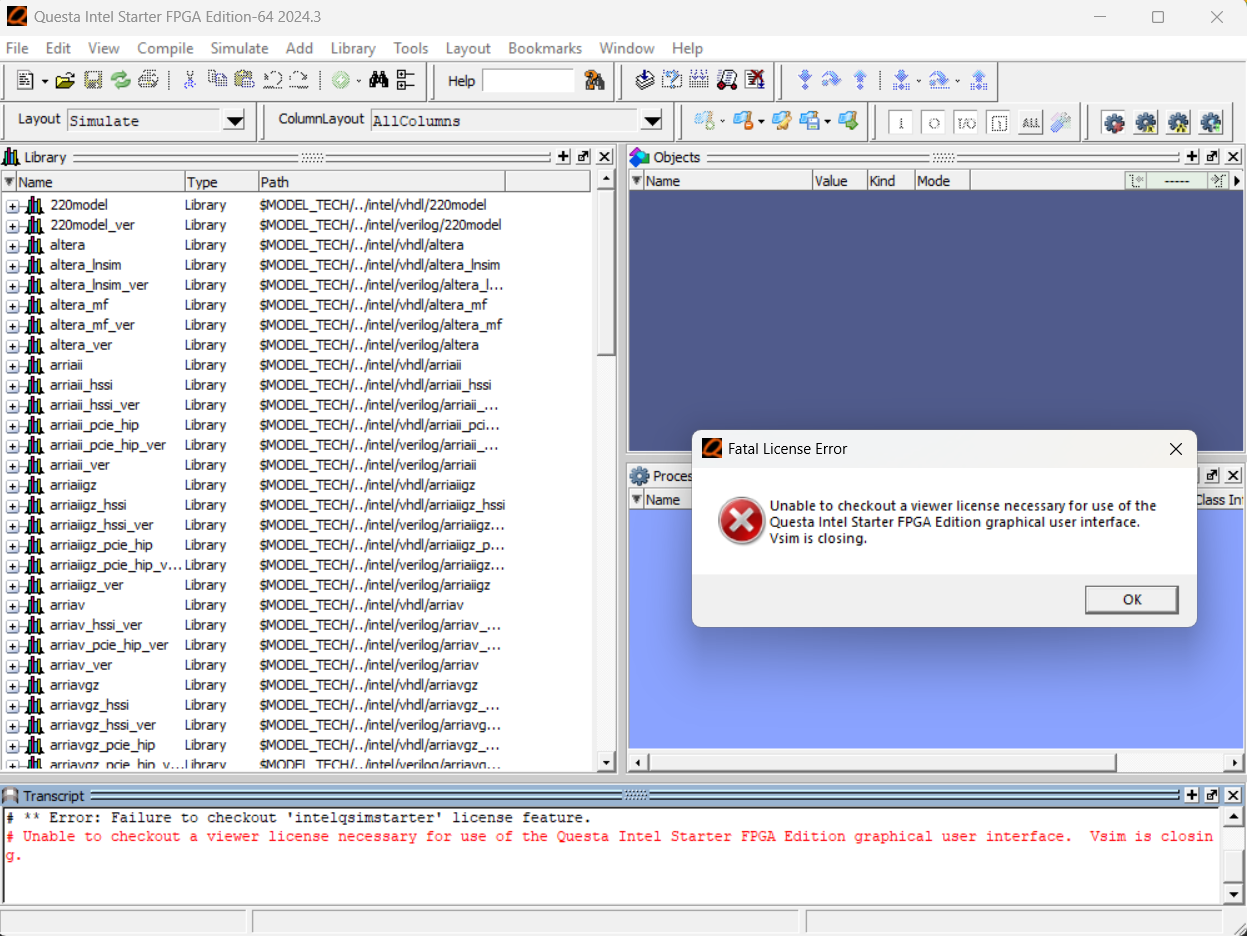
I have both Quartus Prime Lite Edition and Questa Intel FPGA Starter Edition. I downloaded the license file by following the instructions and set it an environmental variable. However, when I try to simulate my compiled project from Quartus (Tools -> Run Simulation Tool -> RTL Simulation) I see this error: Unable to checkout a viewer license necessary for use of the Questa Intel Starter FPGA Edition graphical user interface. Vsim is closing.
How can I resolve this issue?
Thanks!
8 Replies
 sstrell
Super Contributor
What variable did you set up? It should be LM_LICENSE_FILE.
 Yesmurat
- sstrell
You have a space in your path (your name). Put the file somewhere without a space in the path.
- Yesmurat
- sstrell
Check the license file itself in a text editor. Make sure at the top it has the correct MAC address and expiration date. If not, you should try regenerating it at the SSLC.
- AqidAyman_Altera
Regular Contributor
Hello,
I would like to follow up on the issue you encountered. What is the status now? Are you still seeing the error after following @sstrell suggestion?
Please let me know the current update.
Regards,
Aqid
- AqidAyman_Altera
Hello,
Any update on this issue? If there is no response, I may need to close this.
Regards,
Aqid
- AqidAyman_Altera
I hope the previous response was sufficient to help you proceed. As we do not receive any response from you on the previous question/reply/answer that we have provided. Please login to ‘https://supporttickets.intel.com/s/?language=en_US’, view details of the desire request, and post a feed/response within the next 15 days to allow me to continue to support you. After 15 days, this thread will be transitioned to community support. The community users will be able to help you on your follow-up questions.