Forum Discussion

 New Contributor
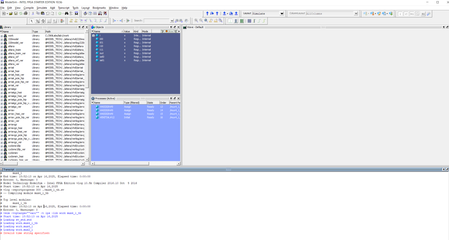
Model Sim "Invalid time string specified" Error
- 1 year ago
I found another post from a third party that they have similar issue and resolved it by deleting the register key.
Could you try their method and see if it helps.
***Please make a backup by Export to .reg file, before deleting. As making incorrect changes to the Registry may cause issues to Windows and may cause programs crashing or no longer start***
This is their solution. (not tested and might be risky)
Press "Windows+R" to open the run window, enter 'regedit', find the path HKEY_CURRENT_USERS\Software\ModelTechnology Incorpporated\Modelsim, and delete all the folders.
I suspect something is wrong with your machine, do you see the same issue using a difference machine/PC?
At the same time, try below troubleshooting steps:
- If you are running antivirus software, try to temporarily disable the antivirus software during the Questa software download and installation process.
-Install the software with Administrator privileges.
- Try to download and auto install using the new Quartus installer.
- Check your OS history update, e.g. to check if the issue happen after some specific Window update.
Regards,
Richard Tan


 Super Contributor
Have you tried adding a timescale directive to your testbench? It appears to be missing.
 New Contributor
I have added timescale to my testbench and it did not work, however I don't think code is an issue since it works without the timescale directive on my other device.


