Forum Discussion

 Occasional Contributor
create falling edge virtual clock
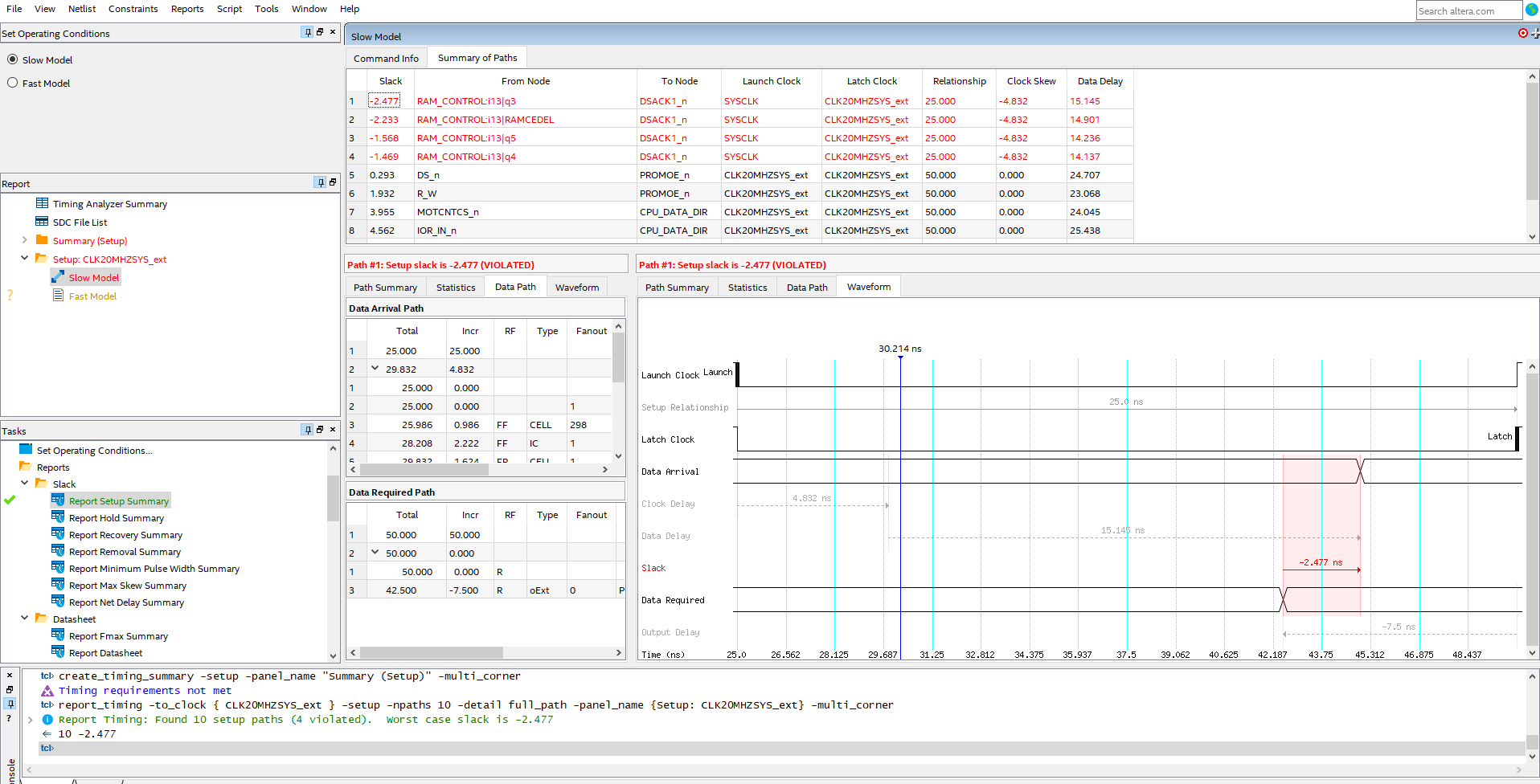
Trying to understand to concept of virtual clock. A virtual clock is created from external clock but think that is created at rising edge. Both are 20MHz. How to create a virtual clock from SYCLK but at falling edge?
Believe the second line below creating the virtual as rising. Need to push it to go falling edge.
create_clock -name {SYSCLK} -period 50.000 -waveform { 0.000 25.00 } [get_ports {SYSCLK}]
create_clock -name {CLK20MHZSYS_ext} -period 50.000
4 Replies
 GD76
GD76Tried something similar but using multicycle. Thanks.
- GD76
What I did that seem to solve the problem is : Take the 50ns clock invert at setup failing clock pins.
create_generated_clock -invert -source [get_ports {SYSCLK}] -name {DSACKCLK} [get_pins RAM_CONTROL:i13|q3|clk]
 sstrell
Super Contributor
Use the -waveform option to shift the clock:
create_clock -name {CLK20MHZSYS_ext} -period 50.000 -waveform {25 50}
If data is launched by the virtual clock on the falling edge, you add the -clock_fall option to your set_input_delay constraints.
- GD76