Forum Discussion

 Occasional Contributor
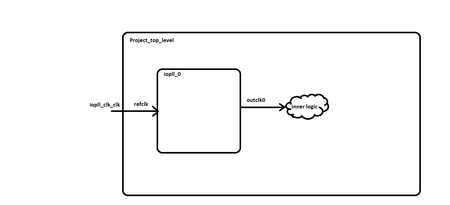
IOPLL related clock constraints
 Occasional Contributor
Yes, I still need help.
I have removed timing constraints related to IOPLL, I have completed generate programming files step.
in Messages tab I don't see any message indicating any timing violations. I see Green Correct symbols without warning triangle next to Plan , Place , Route, Retime and fitter (Finalize) steps. Does this means the design has no timing violations at all?
I opened Tasks> Timing analyzer.
The setup summary violations numbers I am seeing has not changed even after I change compilation parameters from balanced to best performance. I am really questioning, is this the correct and latest set up summary report? and if it is, how come setup violations remained exactly same despite choosing "best performance" compilation options Vs "balanced" option in previous compilation run?
In Timing analyzer console I see
- warning message - Timing requirements not met
- info message - Automatically attempting to load the "Design Closure Summary" from the compliation timing reports. To change this behavior, see Timer Analyzer Settings.
- info message - Not able to find relevant "Design Closure Summary" in compilation timing reports. Either the report was not generated for this snapshot or a timing change has occured since compilation.
Once compilation was over I have not changes any timing constraints or any project related files; I have simply clicked on Timing analyzer to review timing reports.
I am bit puzzled about the last info message, what does the message mean? does this mean that latest run has no violations and its showing me old timing summary results?
if it is correctly showing timing violations from latest run, how come setup violations remained exactly same despite choosing "best performance" compilation options Vs "balanced" option in previous compilation run?

 Super Contributor
Can show the timing analyzer?


