Forum Discussion

ErenYagar New Contributor
2 years agoNew ContributorHow to Clear Waveforms in Quartus' Built-in ModelSim?
Hello everyone, I'm currently using Quartus with its built-in ModelSim for my FPGA design projects. I've come across a situation where I need to clear the existing waveforms in ModelSim, but I...

SyafieqS Super Contributor
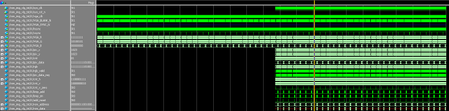
2 years agoSuper ContributorIn ModelSim, you can clear the existing waveforms and start fresh by using the "Clear Waveform" option. This will remove all waveforms from the waveform window, allowing you to start over.
- Open ModelSim from within Quartus, and make sure your simulation is running or paused.
- In the ModelSim main window, navigate to the "Wave" menu at the top.
- From the "Wave" menu, select "Clear Waveform." Alternatively, you can use the keyboard shortcut Ctrl + W (or Command + W on macOS) to clear the waveforms.
- All the waveforms in the waveform window will be removed, and you'll have a clean slate to add new signals and start fresh.


