Forum Discussion

 New Contributor
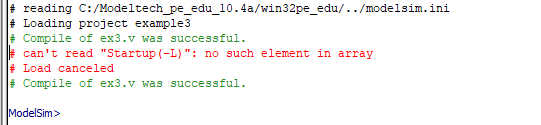
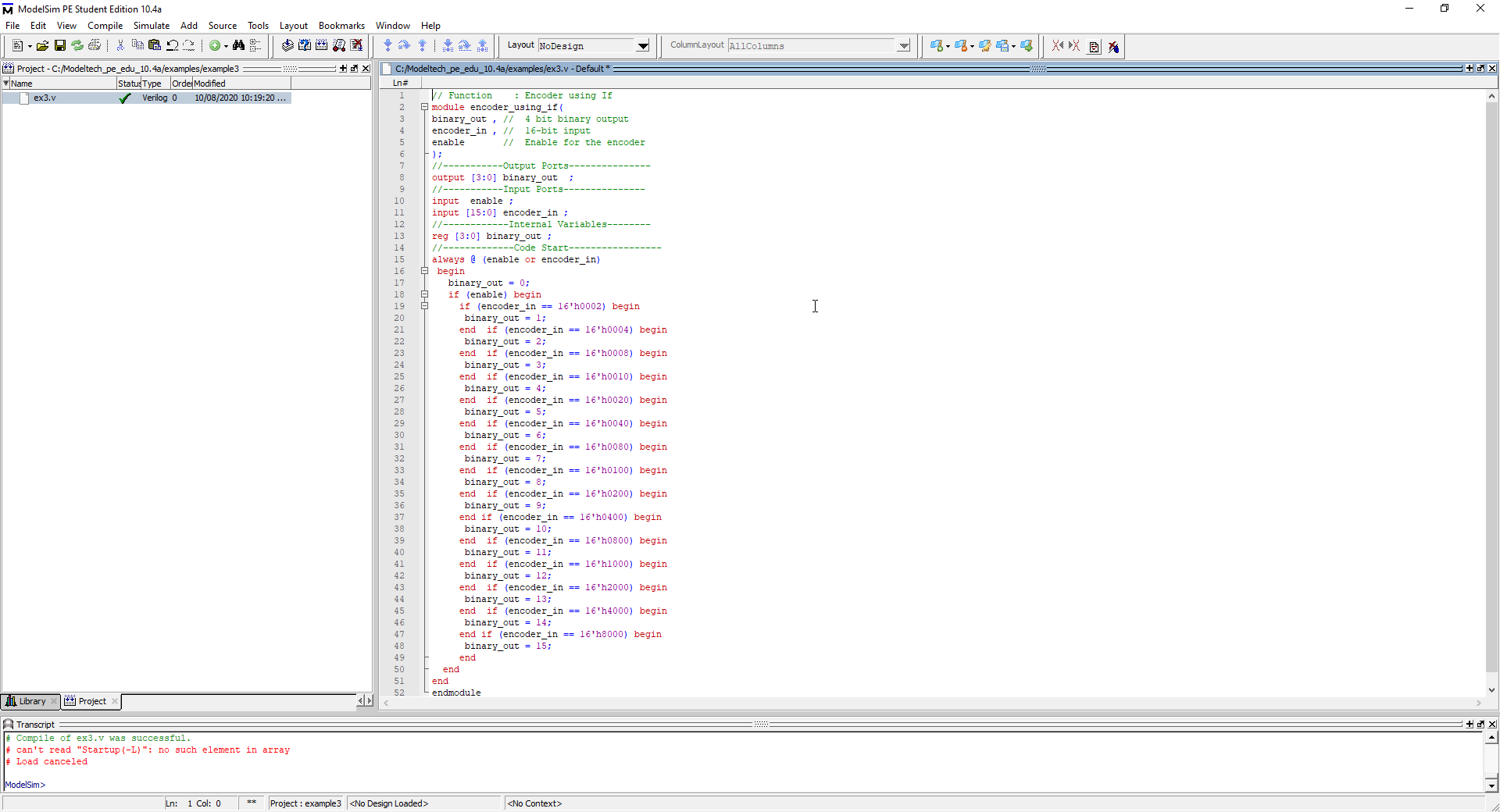
How can i solve: # can't read "Startup(-L)": no such element in array
see attached documents!
7 Replies
 SyafieqS
Super Contributor
Hi Llauce,
Have you able to simulate your design? Is there any issue when simulate? The reason is I see compile is successful there I wonder if " # can't read "Startup(-L)": no such element in array" can be ignored.
Thanks,
Regards
 sllauce
I'm not able to simulate my design
this message: " # can't read "Startup(-L)": no such element in array" shows after I press the button "start simulation"
- sllauce
anybody can resolve my problem????
- Parijat
Go to the "Library". Find the your verilog file. It should be under work folder. Right click and then click Simulate. This should initialize simulation.
- SyafieqS
Hi Llauce,
Could you provide the design files and steps taken for me to replicate it? Can attached it here in .qar or email/private message for privacy.
Thanks,
Regards
- SyafieqS
Hi Sebastian,
Any update from your side regarding this?
 VinodReddyThis error manly occurs when using another module in main module without instance name.
For example in tb
Module tb
Ram (); //wrong way
Ram dut(); // correct way