Forum Discussion

 New Contributor
Compilation error
 1 year ago
Hi,
schematic entry is really legacy and has many trapdoors. As suggested, it would be a good idea to switch to HDL entry.
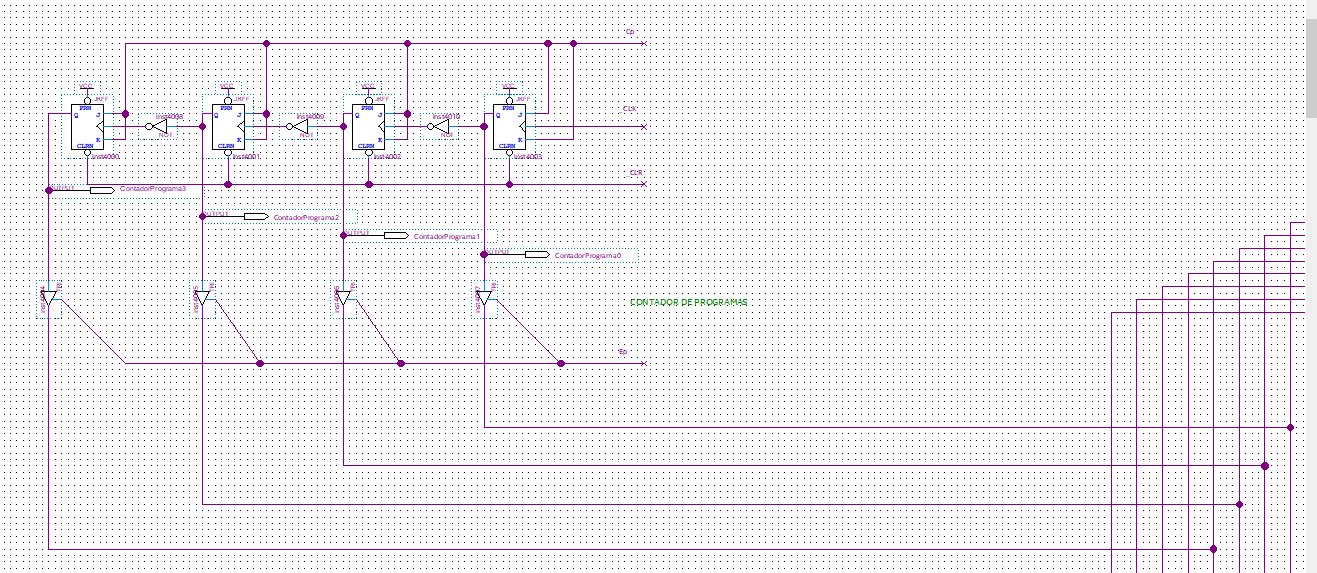
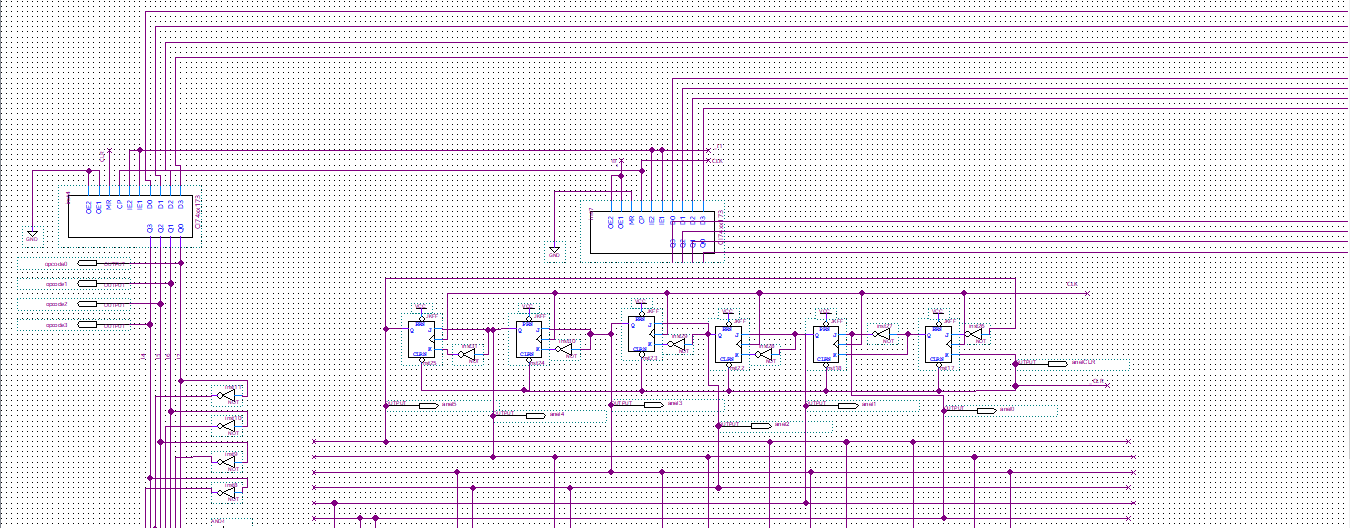
You managed to type space as connector name somewhere in the schematic. Best way to find such errors to open .bdf file in text editor and search for illegal " " name. You'll find this connector (connection wire) entry.(connector (text " " (rect 2504 846 2521 848)(font "Intel Clear" )(vertical)) (pt 2520 864) (pt 2520 784) )Simply delete line starting with "(text" and save.
Alternatively use the xy coordinates to navigate to the element in schematic editor and correct therein.
RegardsFrank

 Super Contributor
Which device and Quartus version that you were using?
My suggestion is to convert the schematic to Verilog files, but keep in mind that this feature is only available in the Quartus Standard Edition.
You can use Quartus to convert your schematic (.bdf) into Verilog — where the tool can actually pinpoint the bad signal name.
- In Quartus, go to: File > Create/Update > Create HDL Design File from Current File
- Choose:
- Output format: Verilog HDL
- Input file: your .bdf top-level file
- Click OK.
Quartus will generate a .v (Verilog) file containing all the wiring and module definitions from your schematic.
You can use this Verilog file to debug more easily and quickly narrow down which signal name is causing the problem.
Alternatively, you may want to start converting everything to Verilog or VHDL, as schematic entry is a feature that Altera has begun deprecating.
 New Contributor
Since the scheme won't compile properly, I can't generate a Verilog file.
Appreciate your help!