Forum Discussion

 New Contributor
Compilation error
 1 year ago
Hi,
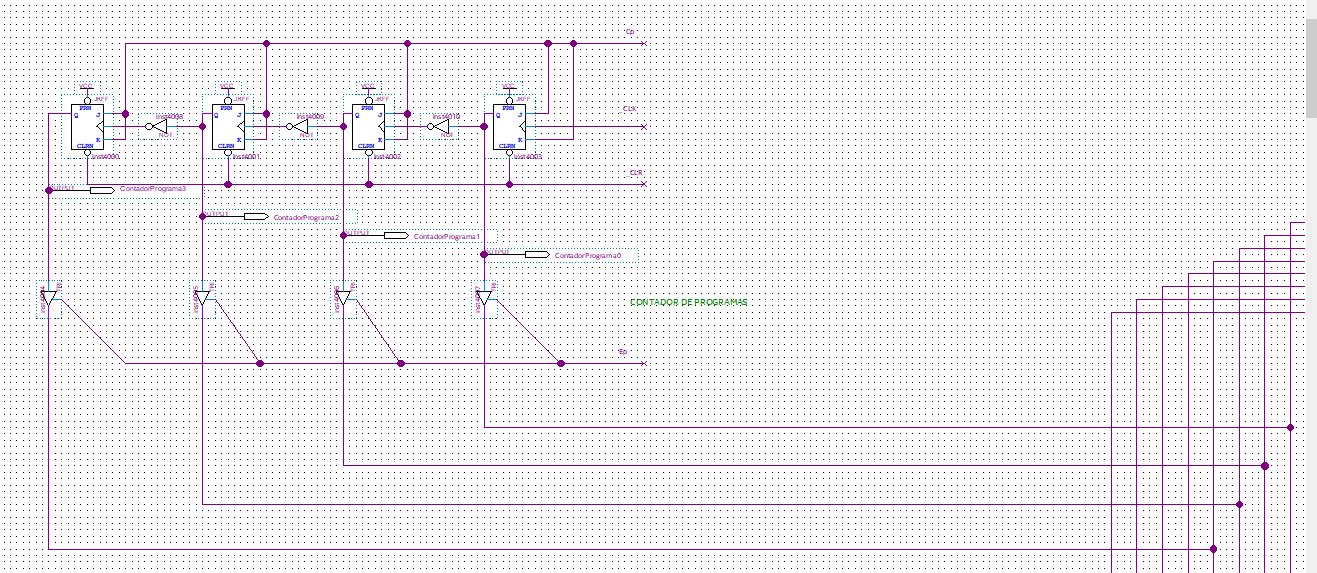
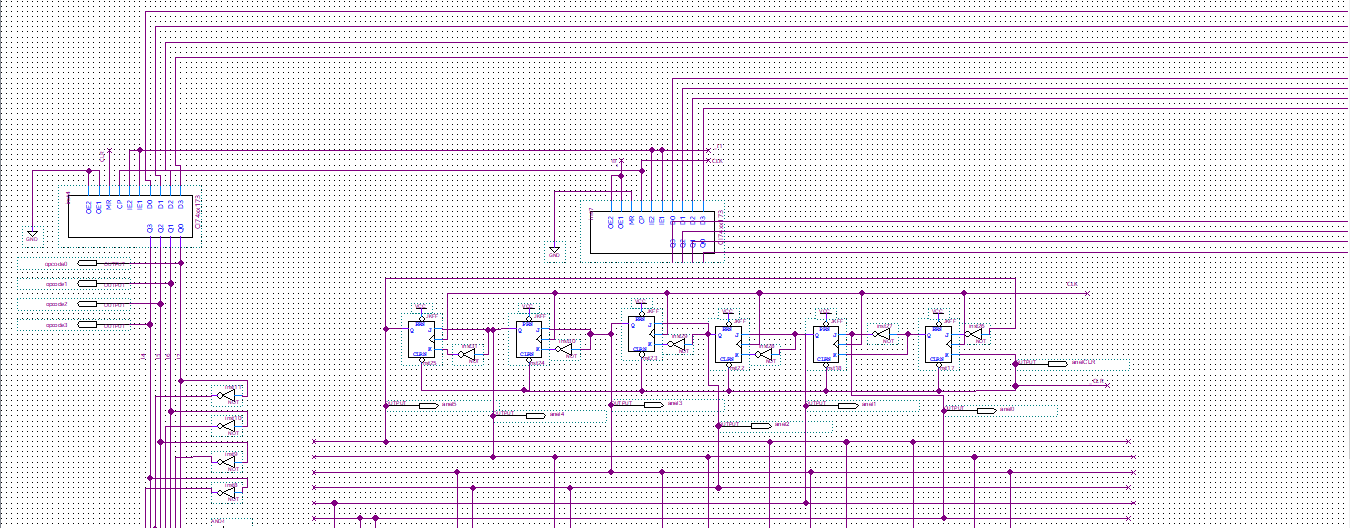
schematic entry is really legacy and has many trapdoors. As suggested, it would be a good idea to switch to HDL entry.
You managed to type space as connector name somewhere in the schematic. Best way to find such errors to open .bdf file in text editor and search for illegal " " name. You'll find this connector (connection wire) entry.(connector (text " " (rect 2504 846 2521 848)(font "Intel Clear" )(vertical)) (pt 2520 864) (pt 2520 784) )Simply delete line starting with "(text" and save.
Alternatively use the xy coordinates to navigate to the element in schematic editor and correct therein.
RegardsFrank
 Super Contributor
Double-click any error in the Messages window to take you to where the error is located. Since you're using a schematic, it could be some wire stub that is connected incorrectly.
Highly recommended to learn an HDL like Verilog or VHDL instead of continuing to do schematic design. You can convert your schematics to HDL from the File menu in Quartus, which would help you to learn it.
 Fernand_a1 year ago
Thank you for the answer!
Unfortunately when I double-clicked the error it didn't take me anywhere, I also tried to right click and press Locate in Design File but the result was the same. Is there another way to find where the error is?