Forum Discussion

 Occasional Contributor
max10 pin assignment question
- 1 year ago
Thank you, FvM, for the answer. To add on:
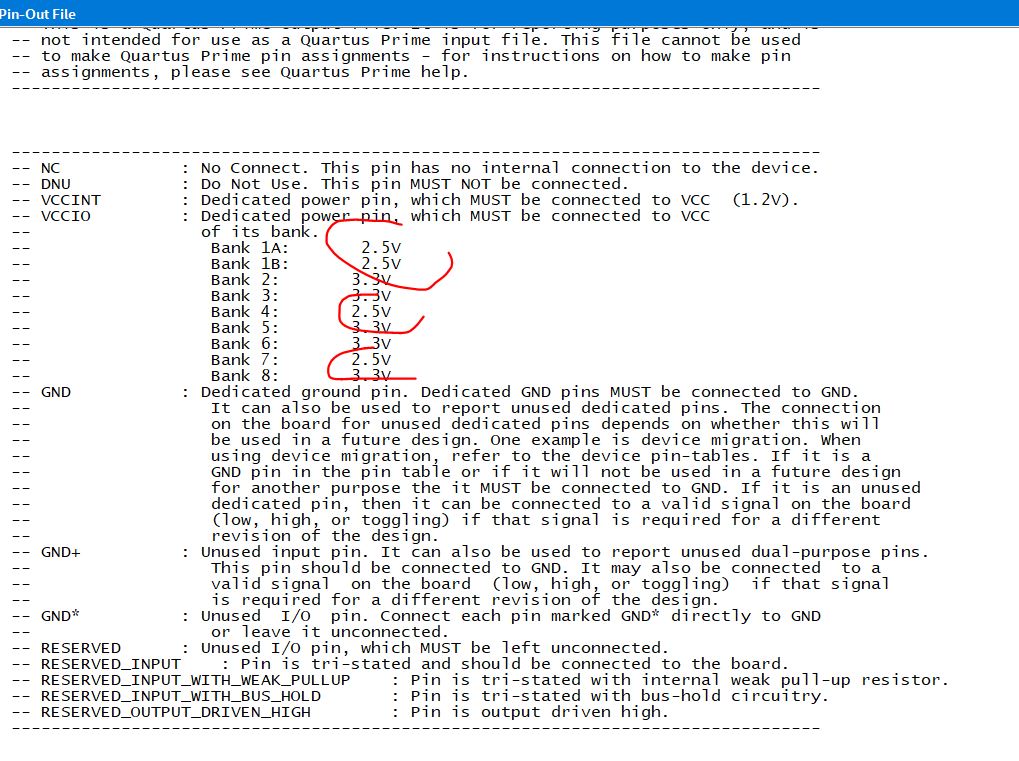
1) The default I/O standard for pins is device-specific. To change the default I/O standard:i) Click Assignments > Device.
ii) On the Device dialog box, click Device and Pin Options.
iii) In the Category list, select Voltage and then select the desired I/O standard.2) You should see as below:
Regards,
Richard Tan


 Super Contributor
Hi,
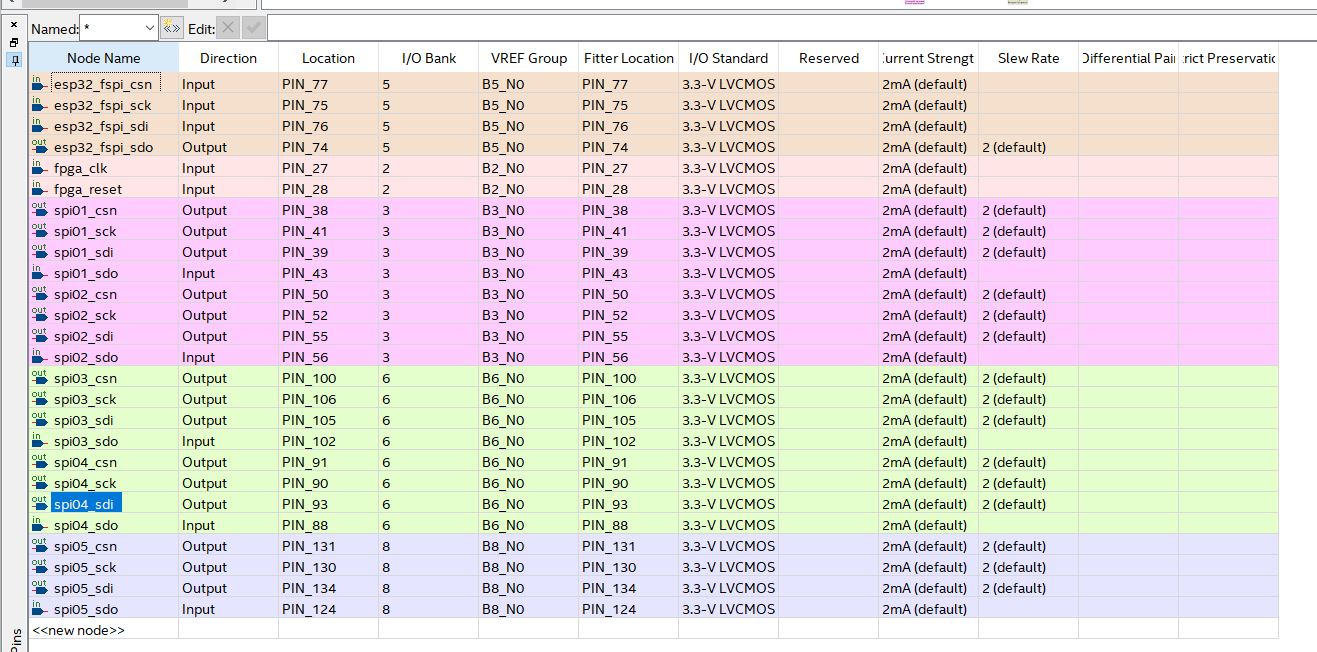
looking at pin planner, you'll find output or bidir pins with default current strength assignment. They are all flagged as incomplete assignment. Set explicite current strength, e.g. 2mA instead of 2mA (default).
You find mentioned "I/O Assignment Warnings" in Quartus GUI under
Compilation Report\Fitter\Resource Section\I/O Standards Section\I/O Assigment Warnings
or as a decdicated section in project.fit.report