Forum Discussion

 Occasional Contributor
Cyclone 10 GX Development Kit factory recovery issue
Hello,
I am having some issues to perform Cyclone 10 GX Development Kit factory recovery. I follow the instructions to restore the factory build (see the attached readme file from the kit collateral downloaded from Intel website).
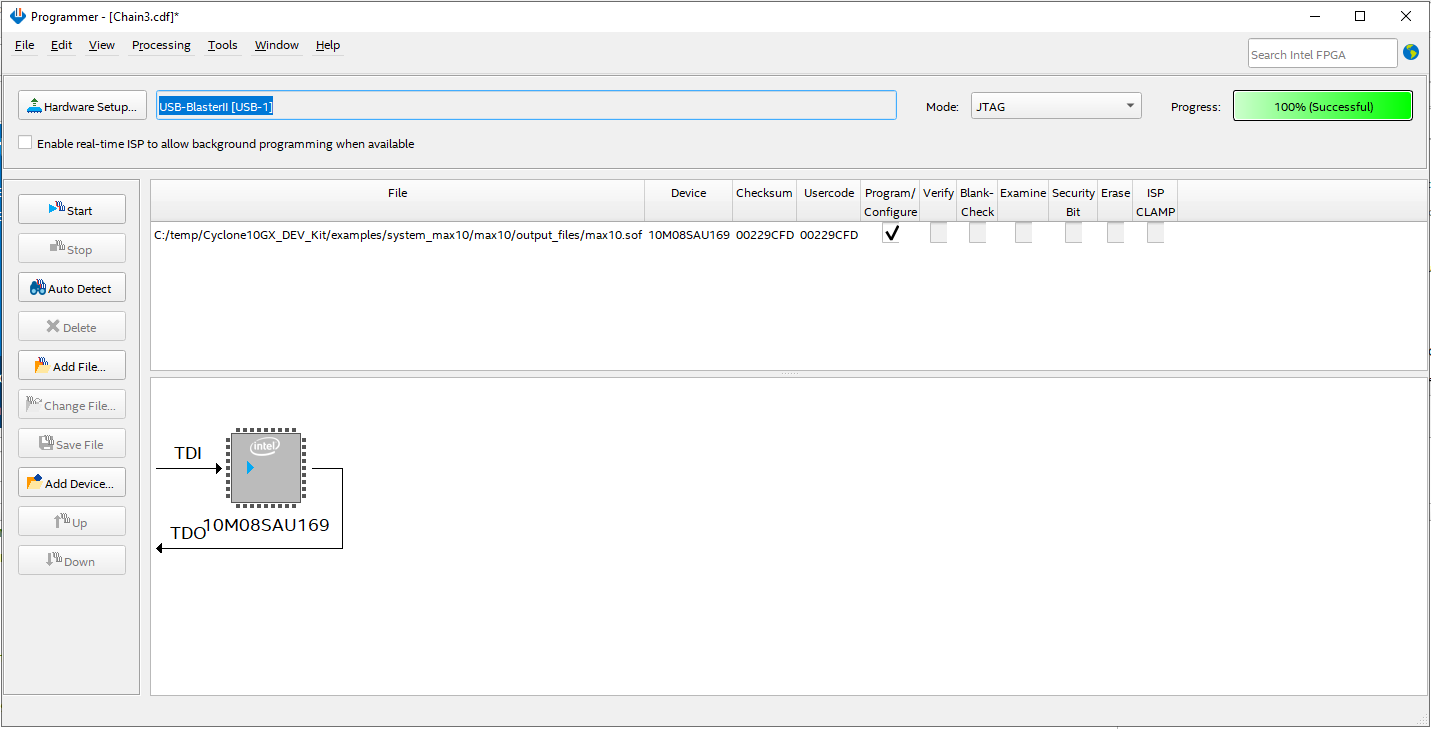
After I programmed max10.sof (from the kit collateral) via Quartus programmer. The LED D16 (green) and D13 (Red) are on, which indicates FPGA configuration failed. I am not sure if this is expected.
Then I execute BoardTestSystem GUI application. I got an error message "FPGA is not detected in the Jtag Chain.".
Can you please let me know what is wrong and how to solve the problem? Thanks!
The max10.sof and BoardTestSystem application are from the Kit Collateral Version A downloaded from Intel webpage:
Test screenshots are attached.
25 Replies
 yong
yongHello,
I tried BTS test with Quartus Prime Pro 17.1. Actually I did everything with Quartus Prime Pro 17.1, including programming max10.sof and running BTS.
I also reduced the JTAG clock speed to 6M. The result is the same.
Thanks!
 AR_A_Intel
Super Contributor
Hi
Thanks for update. Could you try again the BTS test with Quartus Prime Pro 17.1. The manufactured board’s BTS was built with Quartus Prime Pro 17.1. Possibly the error it is caused by the difference in system console of different Quartus revisions. It is suggested to use the right Quartus version with the right dev.kit version.
After that, the default JTAG clock frequency is 24M. Could you try reducing the JTAG clock speed to 16M or 6M to see how things go.
- yong
Hello,
The Quartus version I am working with is 21.1
My PC OS is Windows 10 Enterprise
I also tried Quartus 17.1 (which Kit collateral version A is designed for). The result is the same.
One more detail: after max10.sof programmed successfully, the LED D16 and D14 are on indicating FPGA configuration in progress. After a few seconds, D14 is off and D13 (red) is on, indicating FPGA configuration failed.
Thanks!
- AR_A_Intel
Hello,
Good day
Welcome to INTEL forum. To narrow down this issue, may we know which Quartus version you use and your PC OS information?