Forum Discussion

Chris2000 New Contributor
6 years agoNew ContributorPlatform designer GUI display is erratic for 1 particular qsys project file
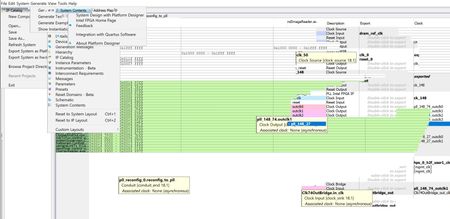
I'm running Quartus 18.1 standard on Windows 10. When I open 1 particular qsys project file, Platform designer appears to be running, but the screen updates intermittently and only around the mo...

MPelsNew Contributor
6 years agoNew ContributorI have the same problem with Quartus 18.1 on a MSI laptop with a Nvidia GTX1660Ti graphics card. My issue though differs from yours as follows:
- Platform Designer does this with all qsys projects.
- The problem manifests on my laptop screen when I connect a second monitor.
- When I move the Platform Designer GUI window to the second monitor, the problem initially disappears on that monitor but reappears later.
- The Quartus Prime Standard Edition GUI window has no problem on either of my monitors.
- Temporarily unplugging the 2nd monitor HDMI cable and reattaching it, sometimes resolves the problem but only for a short duration or until I recompile the qsys design and the scripts start running in the pop-up window.
- The issue manifests when the mouse pointer crosses the panel border lines inside the Platform Designer GUI (the ones you use to adjust panel window sizes) or touches the U-D/L-R scroll tabs.
- When the mouse is dragged from R-L or L-R across the vertical panel window borders, this does not seem to occur.

Chris2000New Contributor
6 years agoNew ContributorI also have a laptop with a 2nd monitor, but the problem occurs on both monitors and with the external monitor disconnected.
I have Intel UHD Graphics 630 & NVidia GeForce GTX 1050 Ti.
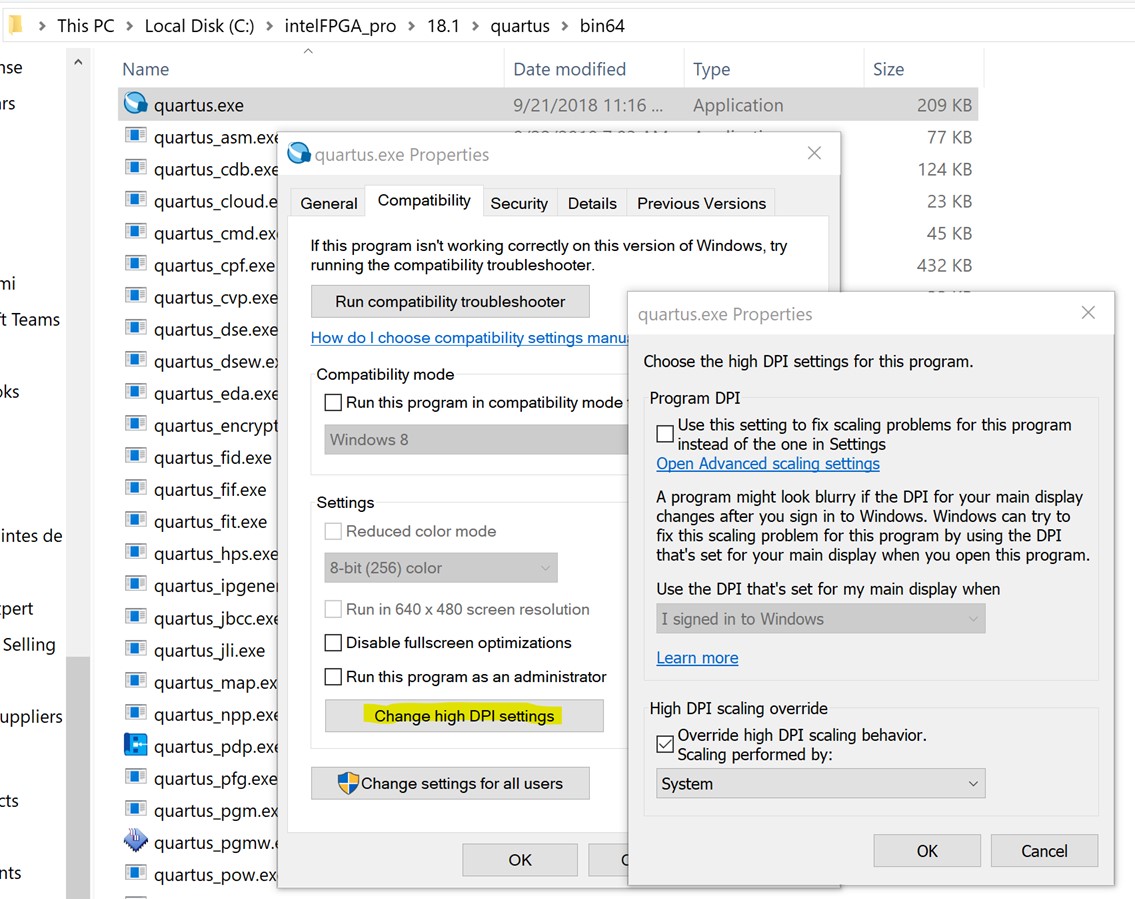
An FAE suggested changing the setting as shown to fix issues with 4K displays, but this didn't resolve my problem.