Forum Discussion

 Occasional Contributor
Cannot generate a License on the self licensing tool

 New Contributor
What step are you hung up on?
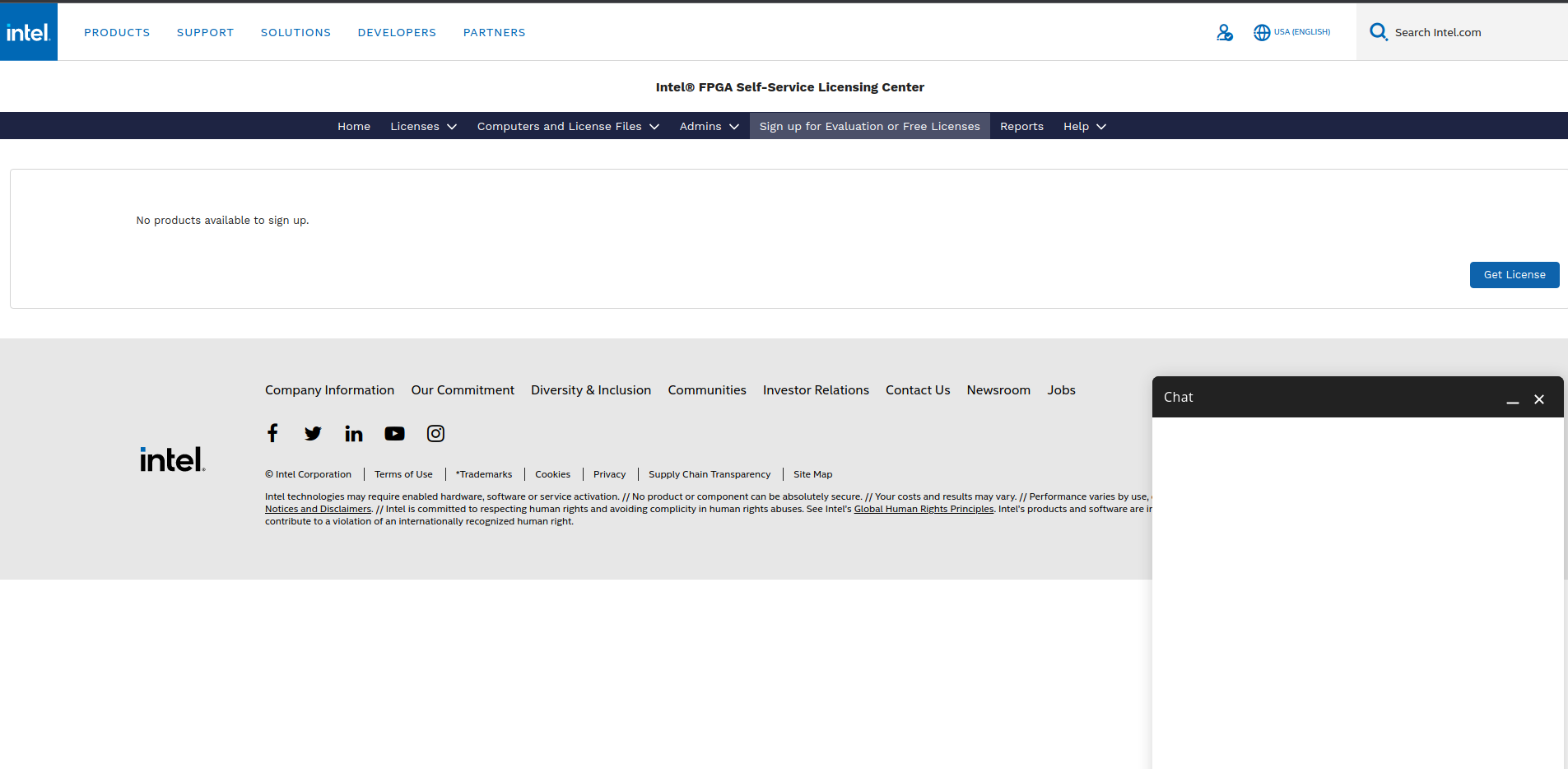
Can you login to https://licensing.intel.com/psg/s/ and see a similar page to the screen I posted above? If so, next you need to click on the license assistant chat box in the bottom right corner of the page and select "I want to sign up for evaluation or free licenses (Questa Starter and more)". If the chat box shows up blank, that's the issue I ran into. An intel employee had to reset or enable my account or something similar, I'm not sure exactly what it was. AR_A_Intel got the process completed for me. After this, I could select the option to sign up for a license using the License Assistant.
Alternatively, if you click on the "Sign up for Evaluation or Free Licenses" link near the top of the page and it doesn't allow you to request licenses there, then there is also something wrong with your account that needs fixed by an Intel employee.
 New Contributor
Thank you, after some hours I was able to get the .dat file. Now where should I locate it? I do not have a license folder in Questa.
Thanks
- 07dshaffer4 years ago
You don't need a license folder. Just store the license file somewhere you won't accidentally delete it later, and setup an environment variable if you are using Windows. See community.intel.com/t5/Intel-FPGA-Software-Installation/Has-anyone-succeeded-running-Questa-Starter-with-license-file/m-p/1343087#M3451
Edit: Fixed link