Forum Discussion

 New Contributor
[Agilex 7F] How to setup my EMIF IPs for the toolkit?
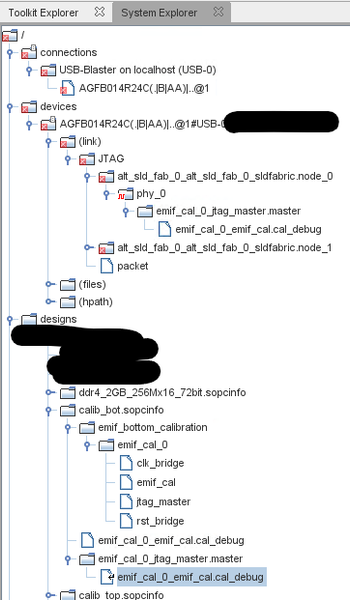

 Regular Contributor
Hi PoletQuentin,
You have to generate example design to enable the EMIF Toolkit as mention in User Guide: https://www.intel.com/content/www/us/en/docs/programmable/683216/23-2-2-7-1/enabling-the-emif-toolkit-in-an-existing.html
The System Console will recognize the design to use EMIF Toolkit if it generated example design based.
You can follow the instruction from User Guide to create a design that include 7 EMIF interfaces with 2 CALIP IP. https://www.intel.com/content/www/us/en/docs/programmable/683216/23-2-2-7-1/creating-a-design-example-with-multiple.html
Then you can modify the signal's name in top level design similar to your design, so then, you can copy the pin assignment to new design.
Regards,
Adzim
 New Contributor
Hi AdzimZM_Altera,
Thanks for the reply. How can I proceed if I have both EMIF IP and HPS EMIF IP? My 7 IPs are 6 regular IP + 1 HPS one.
Thanks
- AdzimZM_Altera9 months ago
Hi PoletQuentin,
I think you can use regular IP for HPS since you want to test the memory with EMIF Toolkit.
So you can create the example design with 7 IPs.
The HPS EMIF cannot access the EMIF Toolkit.
Therefore, you can use the regular IP to replace the HPS EMIF IP just for debugging purpose.
Please enable the option in General tab --> Mimic HPS EMIF for this one IP.
It's will help to apply the HPS EMIF restriction for this IP.
Once the testing is done, you can use the setting in example design (if got any changes) to apply in your design.
Regards,
Adzim
- AdzimZM_Altera8 months ago
Hi PoletQuentin
Let me know if further assistance is needed or if the solution worked for you."Regards,
Adzim


