Forum Discussion

 New Contributor
Pin Planner does not have all options
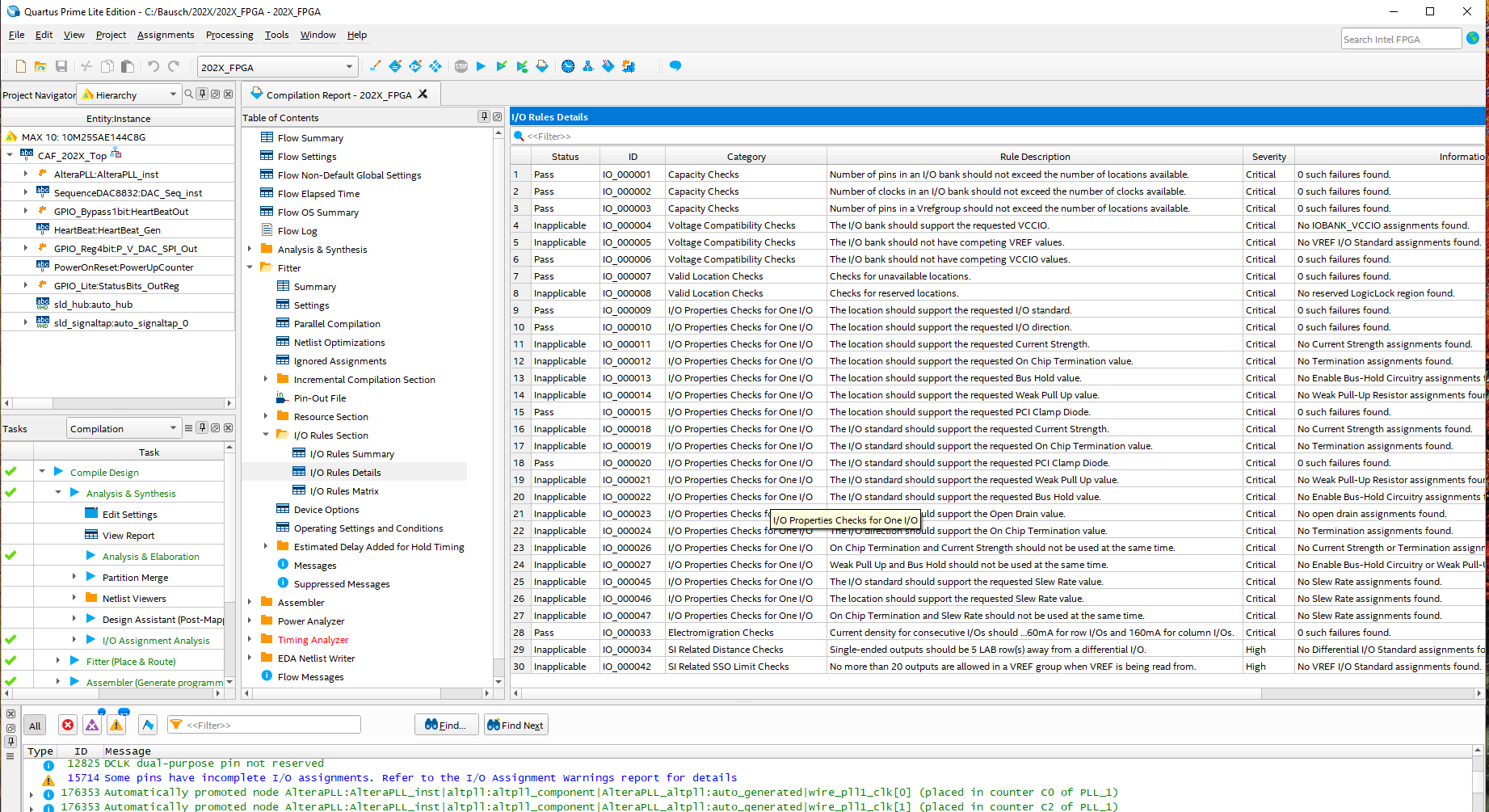
Pin Planner and Assignment Editor do not have all the options available for I/O pins. like Pullup / Pulldown, Terminator Resistor, Bus Hold, Open Drain, Current Drive, DDR etc. Where does one go to get all these settings, I keep getting compile / synthesis warning saying
Warning 15714
"Some pins have incomplete I/O assignments. Refer to the I/O Assignments warnings report for details.
Warning 171167
"Invalid Fitter Assignments. See the Ignored Assignments panel in the Fitter Compilation Report for more information"
4 Replies
 AminT_Intel
Regular Contributor
Hi,
Any update?
- AminT_Intel
We do not receive any response from you to the previous question/reply/answer that I have provided. This thread will be transitioned to community support. If you have a new question, feel free to open a new thread to get the support from Intel experts. Otherwise, the community users will continue to help you on this thread. Thank you.
- AminT_Intel
Hello,
May I know which FPGA device are you using?
Thank you.
 sstrell
Super Contributor
You can safely ignore that warning. To add additional I/O-related assignments in Pin Planner, you can right-click a column header in the All Pins list to enable viewing additional columns, each one being an assignment.
You should see these assignments in Assignment Editor as well. I'm not sure why you're not.