Forum Discussion

Savino New Contributor
1 year agoNew ContributorSimulating by ModelSIM signals multiple blocks nested inside each other on quartus||
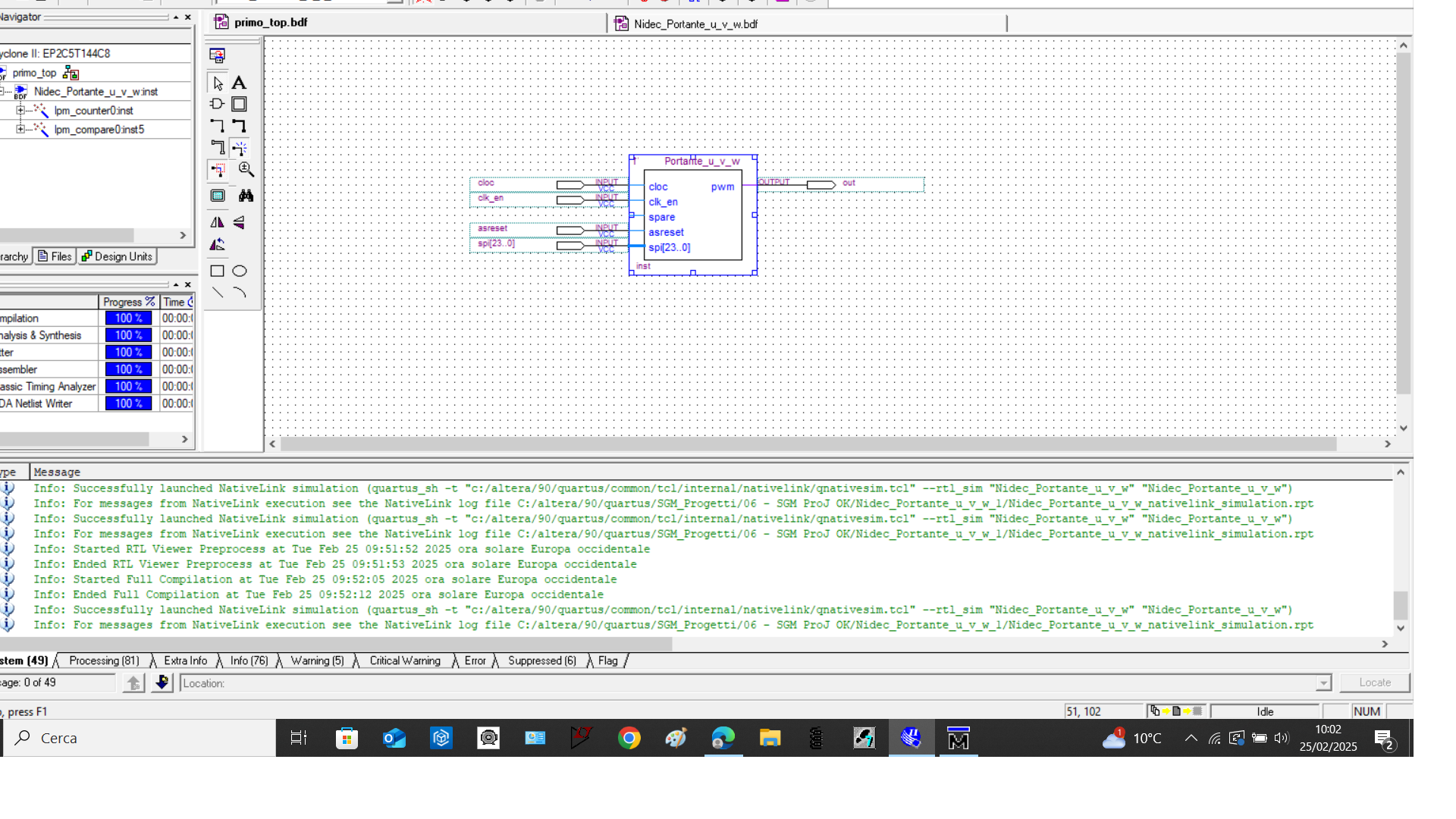
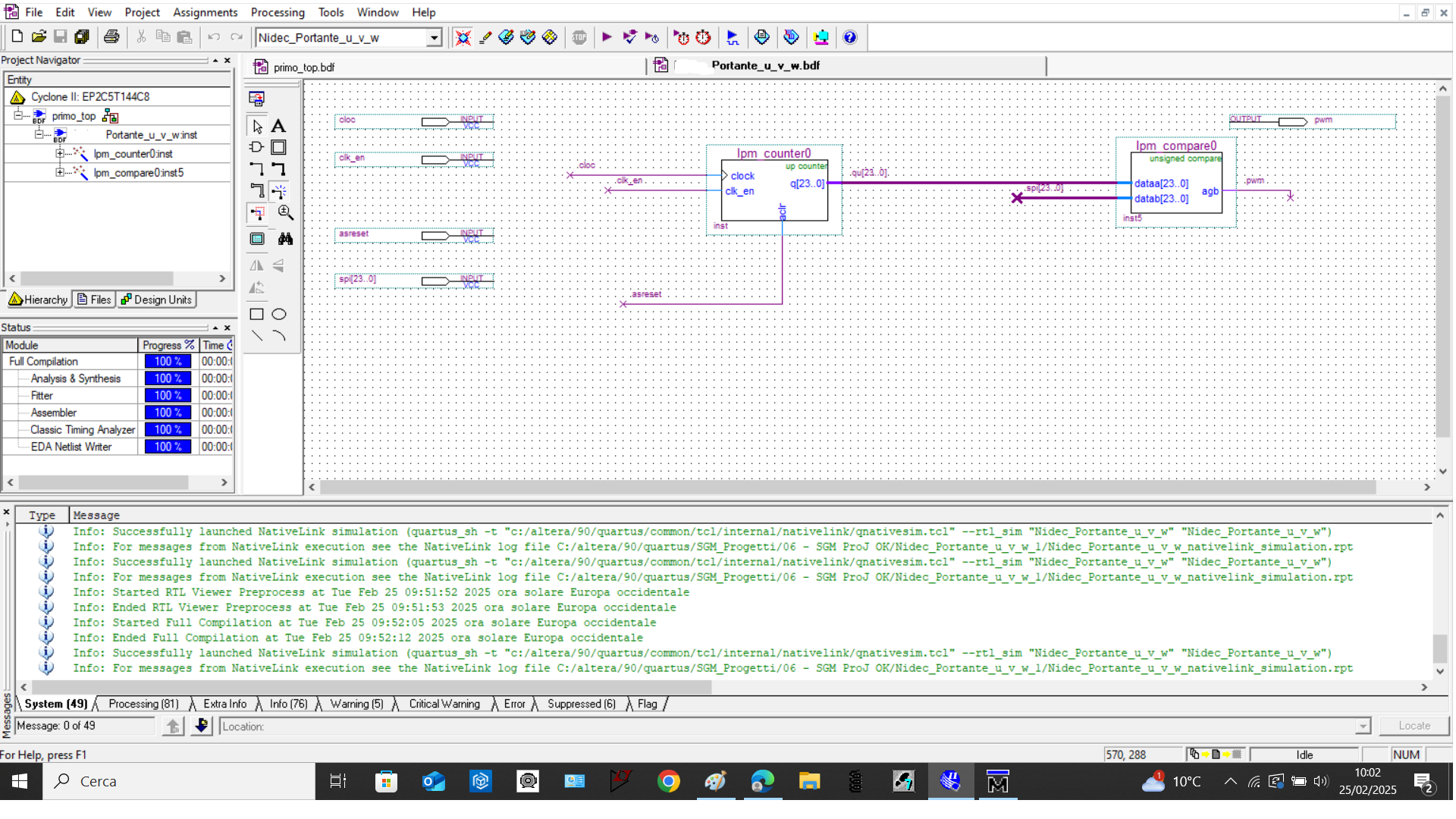
good morning, in the quartus|| environment I inserted in a new schematic file, two blocks: an LPM Counter and an LPM compare and other signal like clock, ect. After that I created a new block contain...
 1 year ago
Hi,
Please follow the previous mentioned steps.
In work library, double click the main screenshot:
In object panel, you'll see those signals clk, clk_en, cnt_en, as_res, spi, out. Select all and right-click -> Add Wave screenshot:
Those signals will be added to wave panel screenshot:
Thanks,
Regards,
Sheng
ShengN_altera Super Contributor
1 year agoSuper ContributorHi,
Probably provide the design for a view?