Forum Discussion

MMont8 New Contributor
8 years agoNew ContributorUSB Blaster (unsigned) impossible to install on Windows.
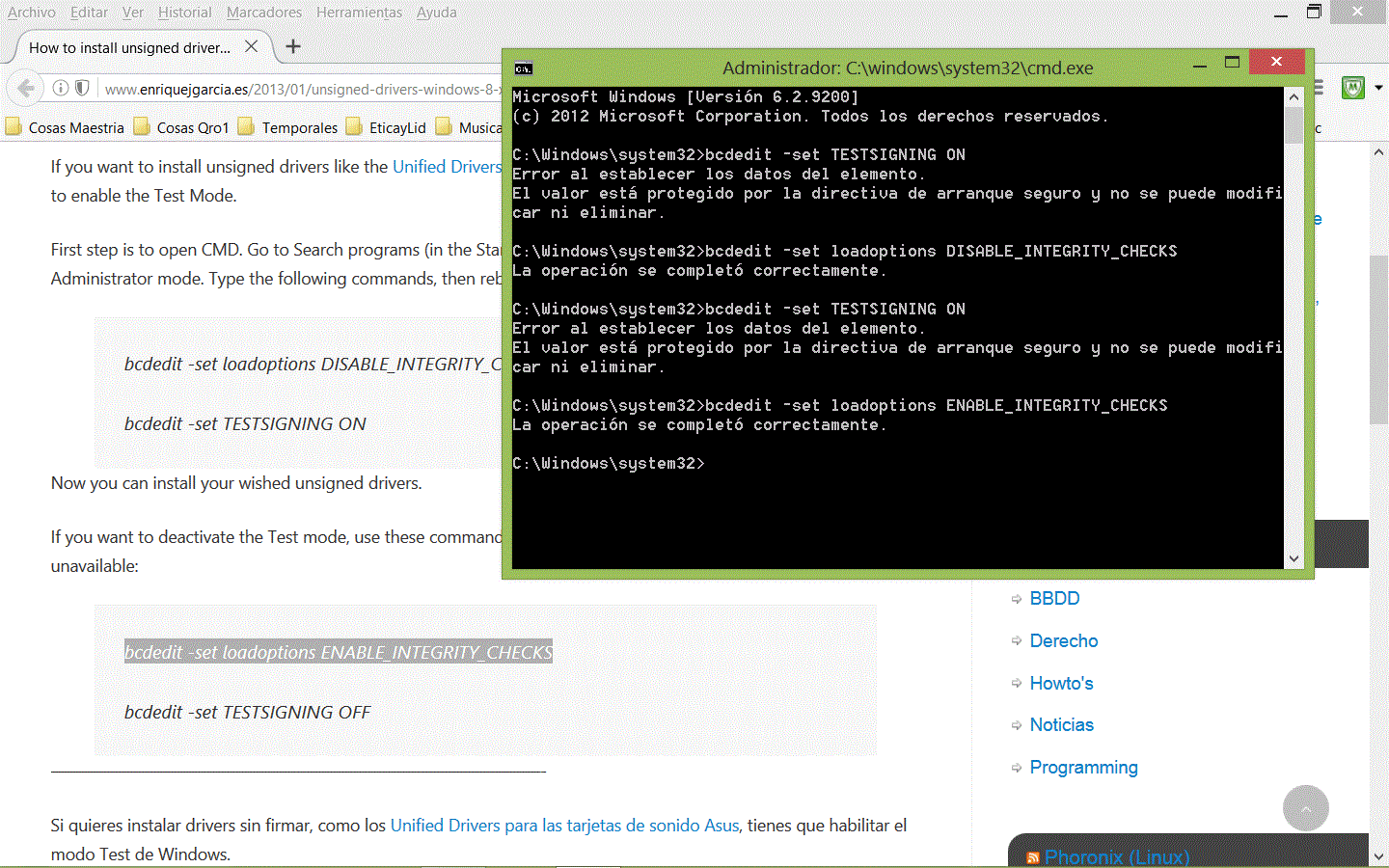
Restart using advanced options for disable signed drivers does not work. Disabling Signed drivers using testing mode in terminal commands (running as administrator) does not work either. I got "bcded...

Abe Frequent Contributor
8 years agoFrequent ContributorHave you tried installing the drivers this way:
- Plug the USB-Blaster download cable into your PC. The Found New Hardware dialog box appears.
- Select Locate and install driver software (recommended).
- Select Don't search online.
- When you are prompted to Insert the disc that came with your USB-Blaster, select I don’t have the disc. Show me other options.
- Select Browse my computer for driver software (advanced) when you see the Windows couldn’t find driver software for your device dialog box.
- Click Browse, and browse to the <Path to Quartus Prime installation>\drivers\usb-blaster directory.
- Note: Do not select the x32 or x64 directories.
- Click OK.
- Select the Include subfolders option, and click Next.
- If you are prompted Windows can’t verify the publisher of this driver software, select Install this driver software anyway in the Window Security dialog box. The installation wizard guides you through the installation process.
- When The software for this device has been successfully installed dialog box appears, click Close.
If you have the USB-Blaster II cable, then try these steps:
Driver Installation for Altera USB-Blaster II
- Plug the USB-Blaster II cable into your PC.
- Open the Device Manager, and right-click on the Unknown device under the Other devices branch.
- Select Update Driver Software.
- Select Browse my computer for driver software.
- Enter the location of the Quartus Prime software USB-Blaster II driver files directory (<Path to Quartus Prime installation>\drivers\usb-blaster-ii) in the Search for driver software in this location field.
- Click Next.
- Click Install in the Would you like to install this device software? Windows security dialog box.
- Close the Update Driver Software - Altera USB-Blaster II (Unconfigured) successful installation notification. The Device Manager now shows a new branch called JTAG cables with an Altera USB-Blaster II (Unconfigured) node.
- Open the Quartus Prime Programmer. Within a few seconds, the JTAG cables branch displays two nodes: Altera USB-Blaster II (JTAG interface) and Altera-USB Blaster II (System Console interface).