Forum Discussion

 New Contributor
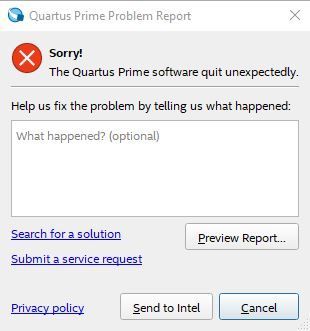
Quartus quit unexpectedly

 Regular Contributor
Hi Xin,
"First close the Quartus tool & then delete the 'db' & 'incremental_db' from project directory then compile again..
confirm whether it is project related issue or quartus related issue by creating & compiling new simple design." ---- May I know the details please what you observed?
"Hi, I'm sending the achieve project to you, please check, thanks!"----- I would like to inform you that, In Intel community, No one is going to code or create/compile project for you, here users will get support so I request you please try that two solution provided in last two post at your end & let us know.
Thanks,
Vicky
 xxiao147 years ago
Hi Vicky,
There is no 'db' or 'incremental_db' folder in my project directory, but there are 'qdb' and '.qsys_edit' folder, I deleted them and tried again, same thing happened. And I think the problem is both project related and quartus related, because if I use quartus prime to compile the same project, it works good, that means the code is correct, but if I use quartus prime pro to compile the project, I got this issue. Nevertheless, if I modify the code a little bit, delete the gpio in the code, the quartus prime pro can compile it correctly. It looks like a bug of the quartus prime pro.


