Forum Discussion

 New Contributor
External Memory Interfaces Intel Cyclone 10 FPGA IP: MMR interface trouble

 Super Contributor
You normally don't have to set the associated clock for an interface on an off-the-shelf IP. The Clock column should be filled in with the associated clock interface in brackets ([ ]) like it is below in your Nios component, so I'm not sure what's going on here.
Since you're using Pro edition, I'd check the Component Instantiation tab and make sure you haven't accidentally changed or deleted the associated clock for the MMR interface.
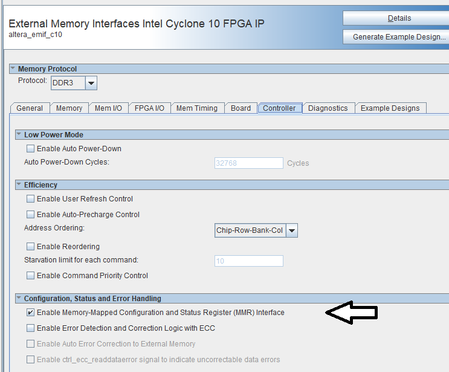
I'd also recommend going into the EMIF IP's parameter editor again and generating the example design with the MMR option turned on. Take a look at how that project is set up and see if there's anything you need to replicate here in your main project.
Worst case scenario: delete the component from the system and add it back it (re-parameterize). Something has gotten messed up here with the associated clock property for the interface.
#iwork4intel


