Altera_Forum Honored Contributor
Honored ContributorHonored Contributor Honored Contributor
Make sure you've downloaded and added Aria II devices to your Quartus installation.
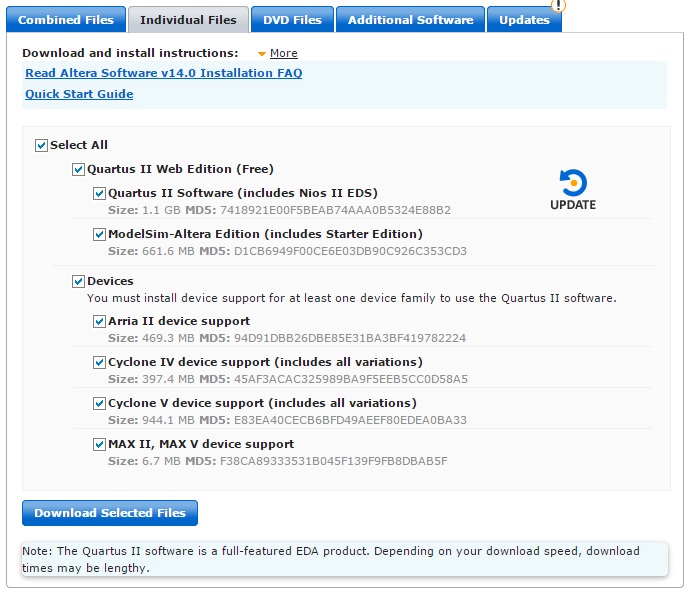
Download the Aria II devices file from the quartus ii web edition (http://dl.altera.com/14.0/?edition=web) download page. Deselect everything except the 'arria ii device support' and download the selected files. To add the devices - run Quartus and go to 'Tools' -> 'Install Devices...' and point the installer at the folder with the Aria II device file (*.qdz) in. You should then be able to find the device. Cheers, Alex