Forum Discussion

 New Contributor
Couldn't open "transcript": permission denied and Cannot open macro file alarm in Modelsim-intel
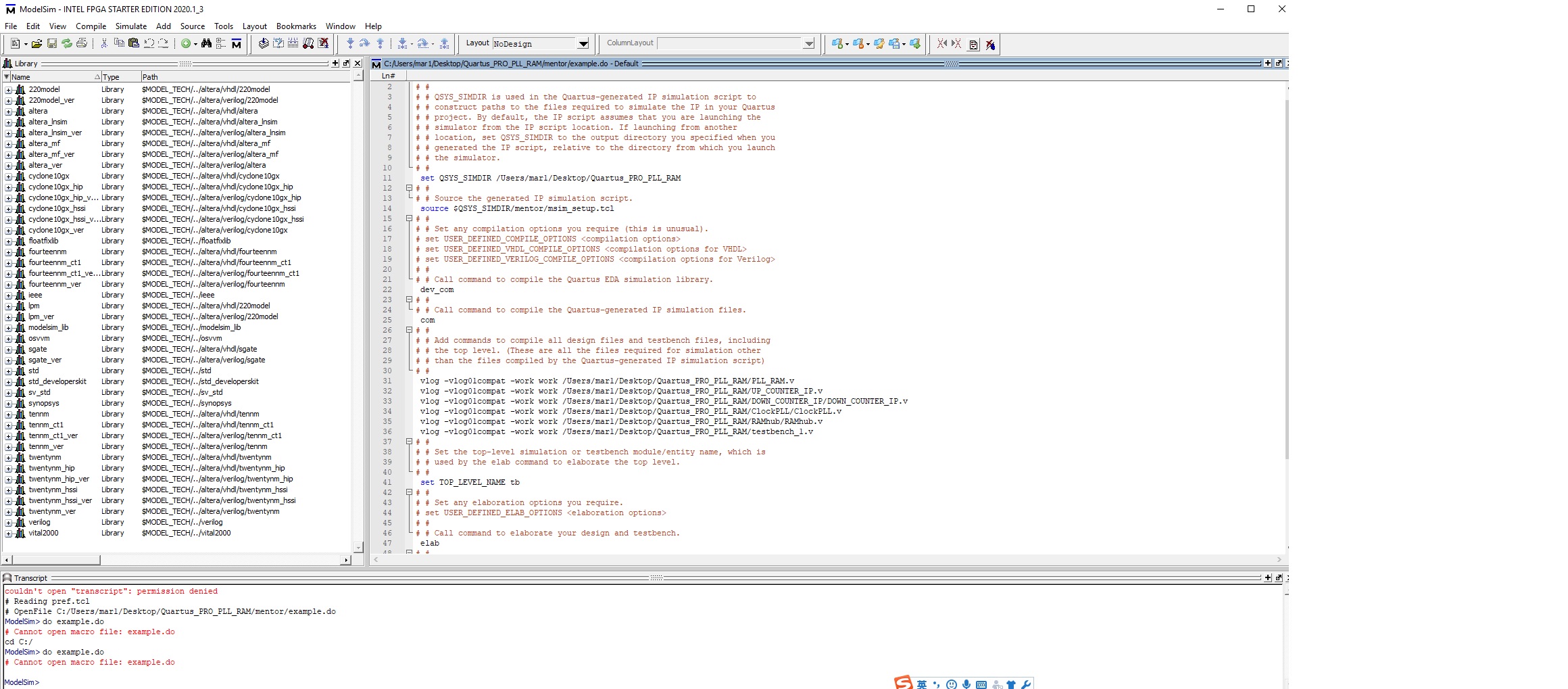
I am the beginner of ModelSim-INTEL FPGA STARTER EDITION, when I open the design example "Quartus_PRO_PLL_RAM", Couldn't open "transcript": permission denied.
and Cannot open macro file: example.do.
I am using quartus prime pro edition 20.2.
5 Replies
 rMa1
rMa1My project location is "C:\Users\mar1\Desktop\Quartus_PRO_PLL_RAM" in my computor.
- RichardT_altera
Super Contributor
Couldn't open "transcript": permission denied - I usually ignored this as I always read the transcript in notepad++.
The reason why you cannot open macro file: example.do is most probably your Modelsim directory path is currently not located at /Users/mar1/Desktop/Quartus_PRO_PLL_RAM/mentor - where the example.do file located.
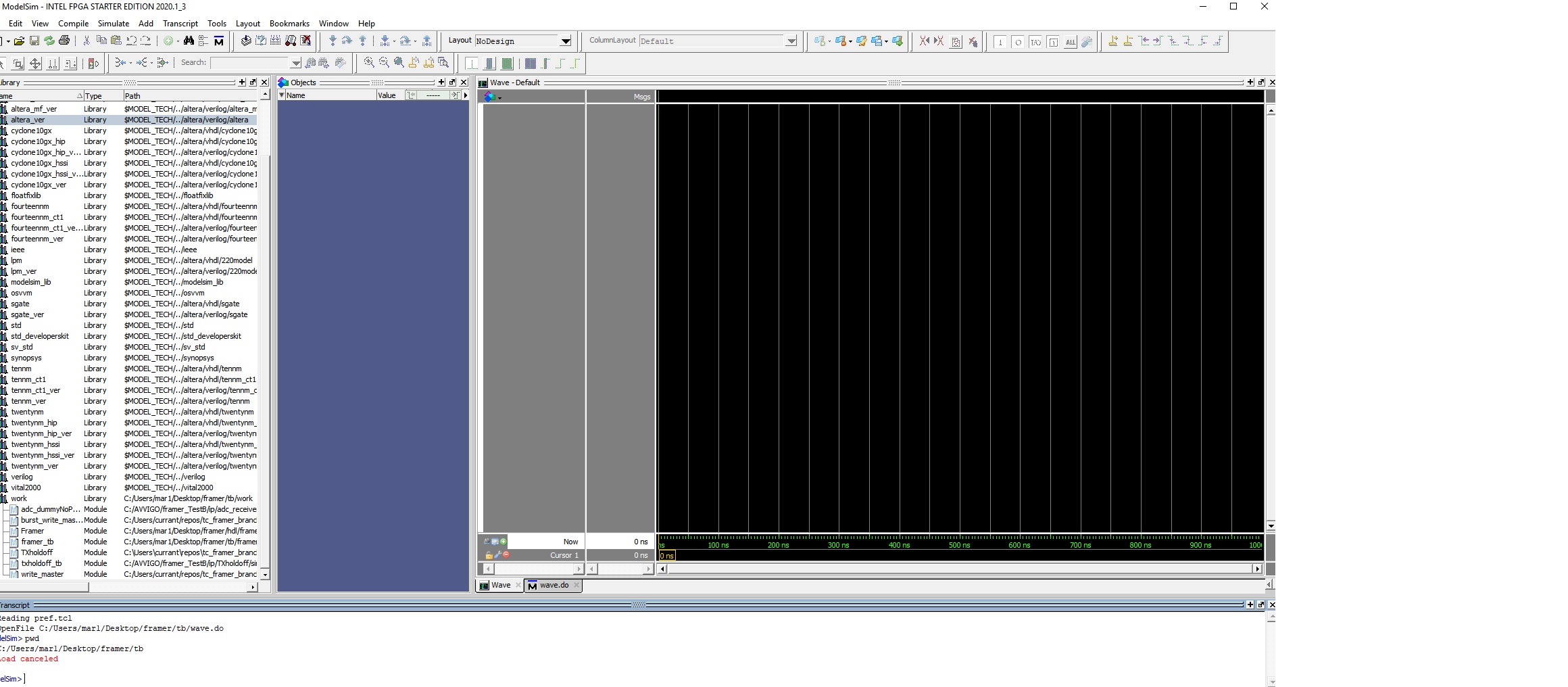
1. Go to File > Change Directory > Browse to the directory path where the example.do file located.
2. type pwd - to confirm the directory path is correct
Modelsim > pwd3. then do example.do
Modelsim > do example.doWith that, the Modelsim should bring up the simulation.
- rMa1
- RichardT_altera
May I know what steps have you performed to cause this issue? Could you help to describe further on this? Is this based on the previous design files that you attached?
Best Regards,
SY (Richard)
- RichardT_altera
We do not receive any response from you to the previous question/reply/answer that I have provided. This thread will be transitioned to community support. If you have a new question, feel free to open a new thread to get the support from Intel experts. Otherwise, the community users will continue to help you on this thread. Thank you.
Best Regards,
Shyan Yew (Richard)
p/s: If any answer from the community or Intel support are helpful, please feel free to give Kudos.