Forum Discussion

 New Contributor
Arria10 HPS IP File missing
Hi Professionals,
I am trying to generate my ARRIA10 SoC Development kit in Platform Designer.
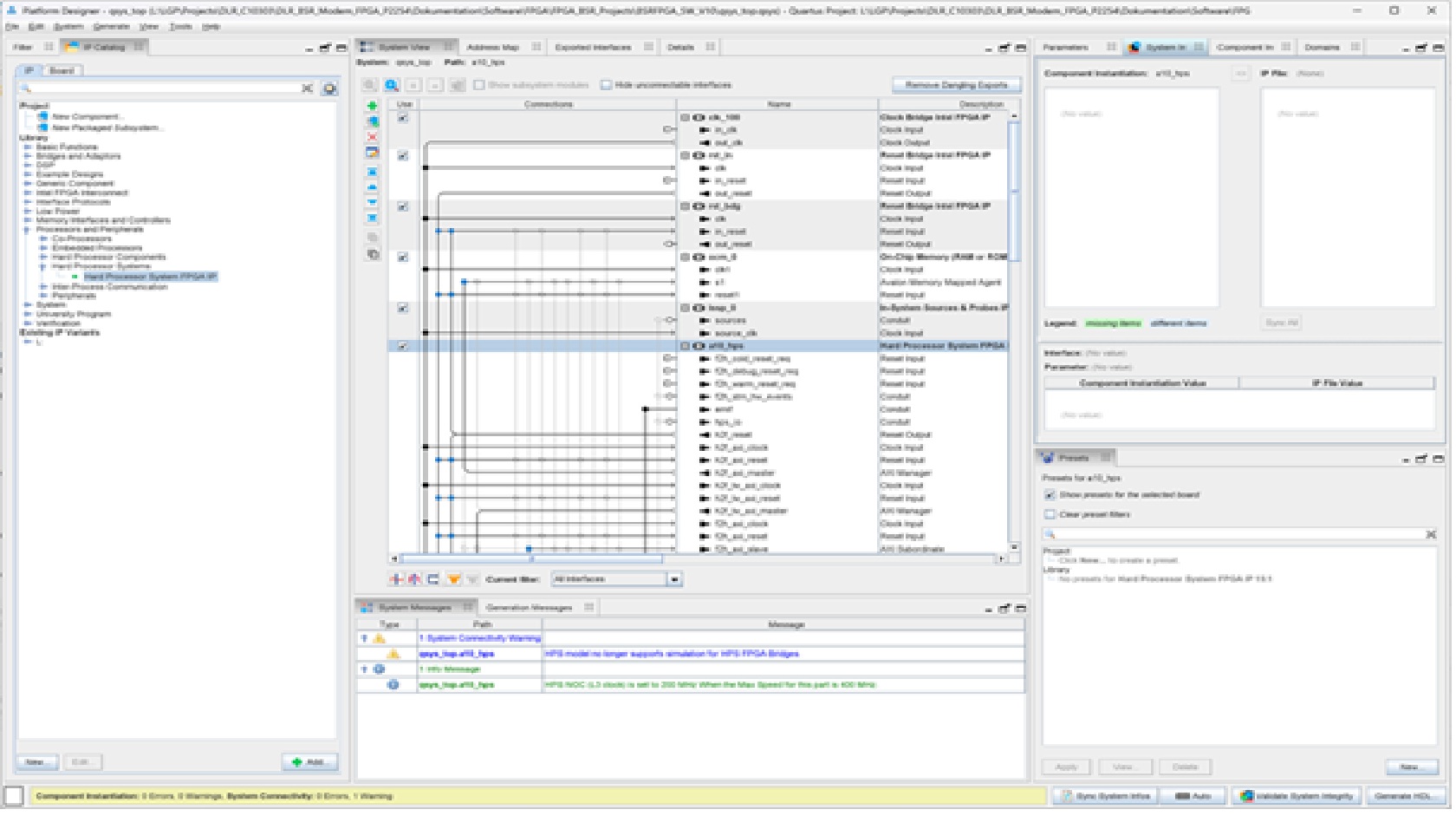
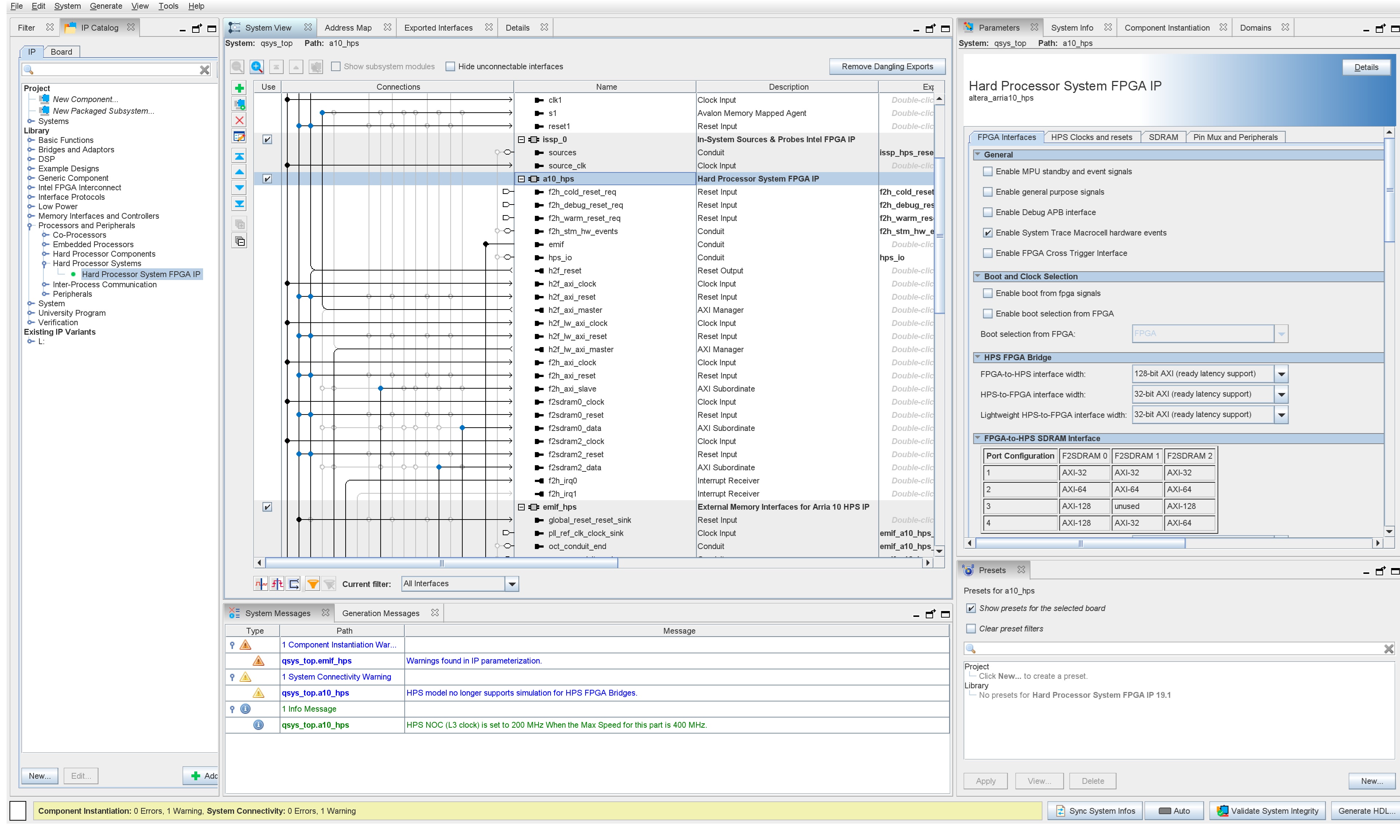
When I click on the a10_hps - > System Info:
Component Instatiation: a10_hps
IP File: (NONE)
I have tried to install different kinds of Tools, Folders etc. but nothing changed.
Further I allways get the Warnings:
Warning: File path could not be determined for component altera_arria10_hps in C:/Projects/DLR_C10303/DLR_BSR_Modem_FPGA_P2254/Dokumentation/Software/FPGA/FPGA_BSR_Projects/BSRFPGA_SW_V10/qsys_top.qsys. The component is ignored for generation.
Warning: qsys_top.a10_hps: HPS model no longer supports simulation for HPS FPGA Bridges.
Warning: a10_hps: HPS model no longer supports simulation for HPS FPGA Bridges.
Warning: a10_hps.f2h_irq0: Cannot connect clock for irq_mapper_001.sender
Warning: a10_hps.f2h_irq0: Cannot connect reset for irq_mapper_001.sender
Warning: a10_hps.f2h_irq1: Cannot connect clock for irq_mapper_002.sender
Warning: a10_hps.f2h_irq1: Cannot connect reset for irq_mapper_002.sender
When I try to open:
ip/qsys_top/qsys_top_hps_0.ip
I get:
Error: altera_hps: couldn't read file "C:/altera_pro/25.1.1/quartus/../ip/altera/alt_mem_if/alt_mem_if_interfaces/alt_mem_if_hps_emif/common_hps_emif.tcl"
(file line 2)
invoked from within
"source "$env(QUARTUS_ROOTDIR)/../ip/altera/alt_mem_if/alt_mem_if_interfaces/alt_mem_if_hps_emif/common_hps_emif.tcl""
(file "C:/altera_pro/25.1.1/ip/altera/hps/altera_hps/altera_hps_hw.tcl" line 42)
Tools I use:
- Quartus Prime Pro 25.1.1 with Licence
- Arria 10 device Support
- EDA Libraries
How do you generate your a10_hps Projects?
And How do I get a valid a10_hps into the catalog?
Thanx for your help.
I am going crazy aufter 3 Weeks of trying and installing.
Greez Linus
16 Replies
 sstrell
Super Contributor
Have you tried deleting and re-adding the HPS IP to your Platform Designer system?
 LinusGrun
Hi Sstrell,
thanx for your reply!
Yes, I added new Hard Processor System FPGA IP from the IP Cataloge to the Project.
I further made a new Project and only added a new Hard Processor System FPGA IP from the IP Cataloge. This I have been able to Generate HDL.
But in both cases in the arria10_hps_0 System Info there is:Component Instantaion: arria10_hps_0 IP File: (None)
I realized when I start Quartus Prime the Window "Evaluation Mode" opens and says I have e.g. 17 Days remaining.
Here I choose License Setup and choose my License.
Might this be the Problem? It Starts in Evaluation Mode?
And how do I get in normal mode?I have just installed the hole Package again... But nothing changes.
I am looking forward to your answers.Thanx.
Linus- LinusGrun
Hi,
I discovered, I have the License:Intel® Quartus® Prime Pro Edition SW-PE-QUARTUS-DKE
And this doesn't allow me to use HPS-IP.
But how to use it with a arria10 SoC Dev Kit?
Thanx- LinusGrun
- sstrell
Your screenshots are too low res to see anything on them.
You probably need to generate a license file and license Quartus since you are using Pro.
 anonimcs
Contributor
Hi,
I also realized this recently that there is no .ip file for the HPS itself, but all the HPS related parameters can be found in .qsys file of the project. No ideas why though..
- LinusGrun
Hi Guys,
thank you for you Input.
And sorry for the bad sized pics. Next time I'll have an eye on it.
So there is only something wrong with my Projekt and i do not need to search for any a10_has.qip files .
And I can ignore the Platform Designer - Generate HDL - Warning:"Warning: File path could not be determined for component altera_arria10_hps in .../Dokumentation/Software/FPGA/FPGA_BSR_Projects/BSRFPGA_SW_V12/qsys_top.qsys. The component is ignored for generation."
?
Greez- anonimcs
I would not ignore that warning, but yeah there shouldn't be any .ip or .qip file necessary for the HPS. I can't tell much because the picture quality is low and I can't read..
- LinusGrun
Hi Helpers,
I have made new screenshots.Please see attached files.
I am trying to install Quartus 23.1 on an other PC maybe I get the missing IPs there.
But maybe you have some idea why there is no IP for HPS in the Quartus 25.1.1 installation package, neither with the installation Tool, nor the *.tar download.I installed the arria 10 Device support, too.
But as I found out it is not for the IPs.
Have a nice weekendBest regards,
Linus - LinusGrun
Hi community,
I now installed Quartus 23.1 an here there is an IP for HPS included.
I copied the hole IP Folder: altera\altera_hps\altera_hps_arria_10\hps to my 25.1.1 system and added the Path.But still my 25.1.1 Plattform Designer doesn't show the IP to the HPS.
I will now work with 23.1.
It has been a lot of time I spend on this Bug. Like 4 Weeks and 2 weeks of work.Do I get a compensation for this?
Thanx a lot to Intel/Altera
Hope this helps others.
Greez Linus - sstrell
Which exact Arria 10 device are you targeting? Are you sure you selected one that includes the HPS?
So what is the exact issue at this point? Ignoring messages, can you generate the system in PD and compile in Quartus?
It's also possible that your .qsys file is corrupted. Have you tried recreating it from your open Quartus project?
- LinusGrun
Hi,
today there is no HPS again.I don't know why...
I am working on a Arria 10 Soc Development board.
Does this have the hps?
Yes, I want to work with the: a10_soc_devkit_ghrd_QPDS-24.3pro
from Rocket boards.
And in the folder: ...\20250325_Download_Rocketboards\a10_soc_devkit_ghrd_QPDS-24.3pro\ip\qsys_topthere is no hps.ip only the others.
Where do I get this hps.ip from?
Thanx