Forum Discussion

 New Contributor
DE1-Soc USB Driver Issue
Hi all,
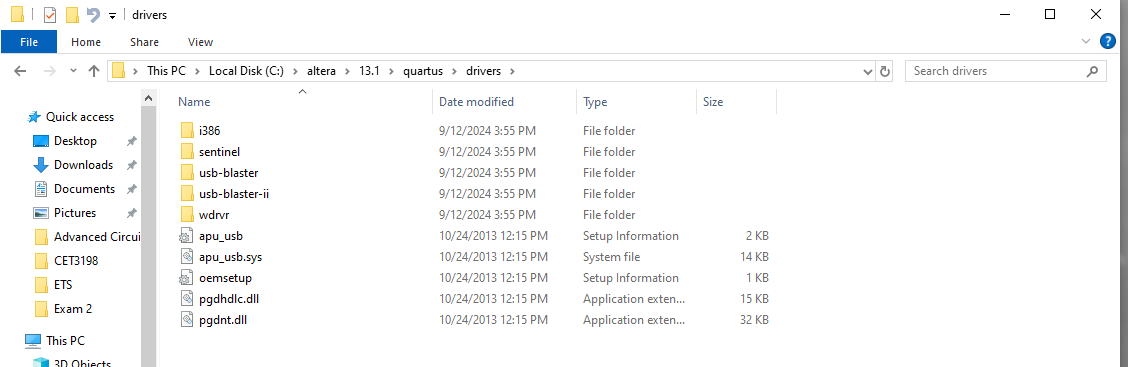
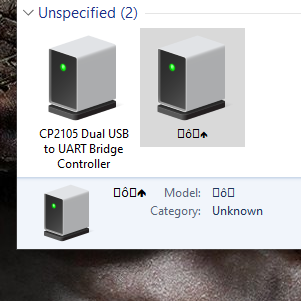
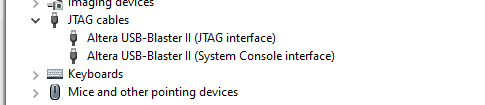
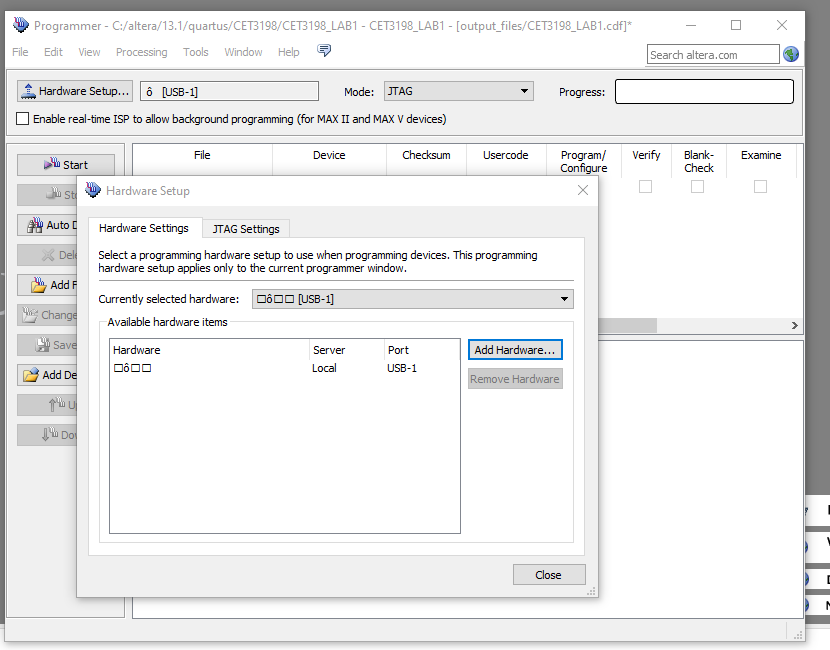
I'm having issues getting my board into a programmable state. I've tried to configure the driver onto the board. I'm running quartus 13.1 (its the required software for my class). When I go to use the board it comes up unkown and is represented as weird characters. Does any have any suggestions to fix it?
I've tried to reinstall the driver multiple times and reinstalling the quartus software too.
I have screenshots attached to show what I'm talking about.
3 Replies
 Farabi_Altera
Regular Contributor
"We sincerely apologize for the inconvenience caused by the delay in addressing your Forum queries. Due to an unexpected back-end issue in our system, your Forum cases, along with others, did not get through as intended. As a result, we have a backlog of cases that we are currently working through one by one.
Please be assured that we are doing everything we can to resolve this issue as quickly as possible. However, this process will take some time, and we kindly ask for your patience and understanding during this period. The cases will be attended by AE shortly.
We appreciate your patience and understanding, and we are committed to providing you with the best support possible.
Thank you for your understanding."
 sstrell
Super Contributor
Trying to use 11 year old drivers in Windows 10 or 11 (not sure what you're using) is most likely going to cause issues. You should try downloading at least the latest version of the Programmer that has current drivers.
Go to Additional Software and download the Programmer. Install the drivers from there.
- Cato7
Thank you so much! I followed your advice and I downloaded the newest version of lite and it had the right drivers for my board. I can still use 13.1 for the programming but now its recognizing my board. I have been working on this for days. Can't believe it was something so simple haha.