Forum Discussion

 Occasional Contributor
missing fpga leds in yocto build for stratix 10
Hi All,
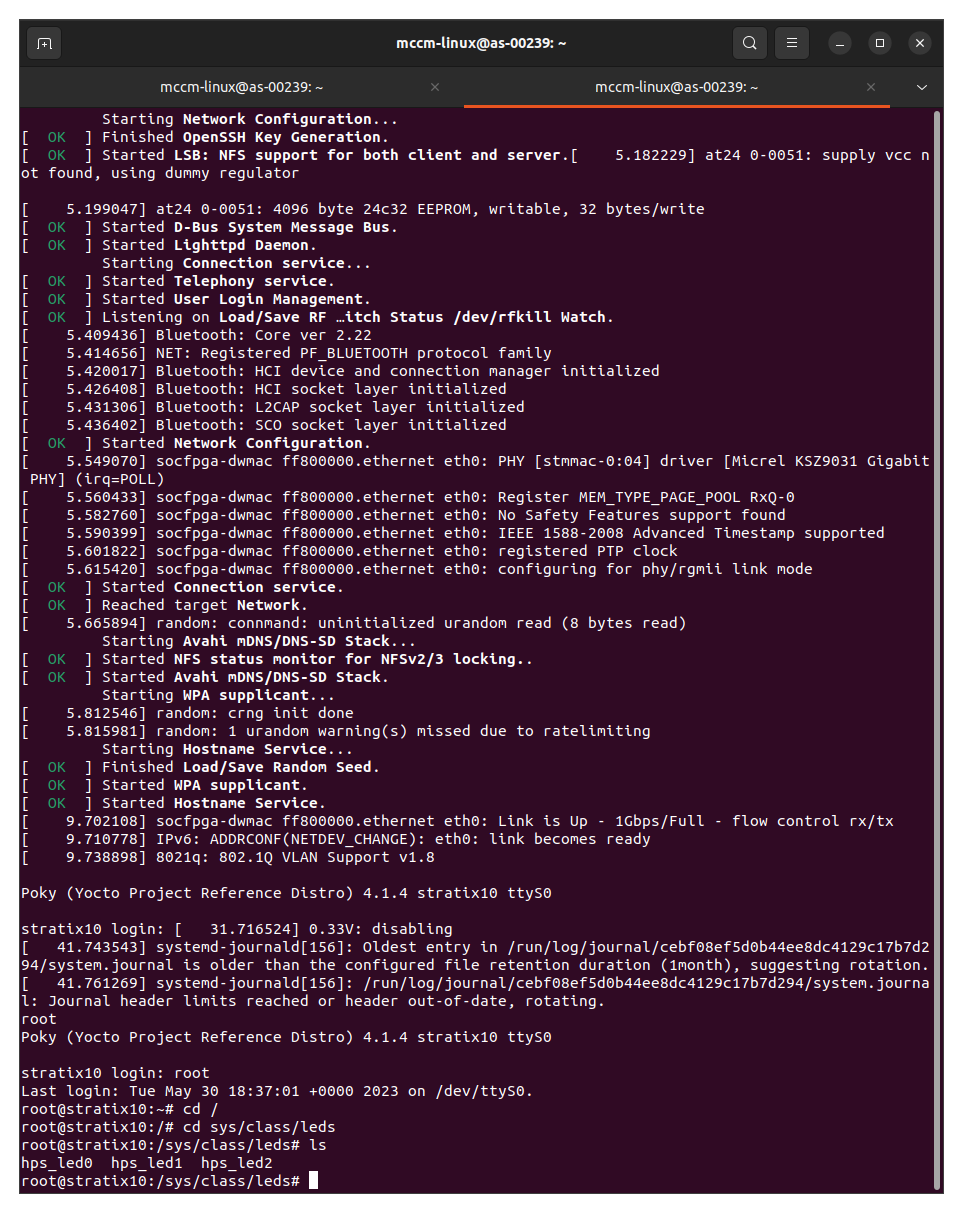
I have been following the GSRD for the Stratix 10 and have even been able to boot Yocto on the board where I am able to run ./hello and even control the hps_led(s). However when I try to follow the steps from this procedure -
https://www.rocketboards.org/foswiki/Documentation/S10SGMIIRDV181WebServer
Im able to set up an IP address and then set a value for the light show, then get an error after running the following command from the procedure above.
root@stratix10:~# /www/pages/cgi-bin/scroll_server &
It seems as though my yocto build is missing the fpga leds. Why is my yocto build not complete? I have gone back and played with the file fit_kernal_stratix10.its before the build but still no luck. Any help on how to enable the fpga/fpga leds would be amazing.
Thanks
UPDATE -
It was indeed the fit_kernal_stratix10.its file. The default board is set to 0, I switched it to 4 and then deleted the other options to ensure.
I also ran this command that I found not included in the GSRD from the following website as SD boot board id is 4 and not 0 as set default in the GSRD.
https://www.rocketboards.org/foswiki/Documentation/BuildingBootloaderStratix10
sed -i 's/set_global_assignment -name STRATIX_JTAG_USER_CODE .*/\
set_global_assignment -name STRATIX_JTAG_USER_CODE 4/g' ghrd_1sx280lu2f50e2vg.qsf
These two combined seem to have worked.
Thanks
2 Replies
 james57
UPDATE -
It was indeed the fit_kernal_stratix10.its file. The default board is set to 0, I switched it to 4 and then deleted the other options to ensure.
I also ran this command that I found not included in the GSRD from the following website as SD boot board id is 4 and not 0 as set default in the GSRD.
https://www.rocketboards.org/foswiki/Documentation/BuildingBootloaderStratix10
sed -i 's/set_global_assignment -name STRATIX_JTAG_USER_CODE .*/\
set_global_assignment -name STRATIX_JTAG_USER_CODE 4/g' ghrd_1sx280lu2f50e2vg.qsf
These two combined seem to have worked.
Thanks
 tehjingy_Altera
Regular Contributor
Hi
Since this thread been resolve, I shall set this thread to close pending. If you still need further assistance, you are welcome reopen this thread within 20days or open a new thread, some one will be right with you. Please login to ‘https://supporttickets.intel.com’, view details of the desire request, and post a feed/response within the next 15 days to allow me to continue to support you. After 15 days, this thread will be transitioned to community support. The community users will be able to help you on your follow-up questions.
If you happened to close this thread you might receive a survey. If you think you would rank your support experience less than 10 out of 10, please allow me to correct it before closing or if the problem can’t be corrected, please let me know the cause so that I may improve your future service experience.
Regards
Jingyang, Teh