Forum Discussion

 Contributor
altera_pcie_gui of Release_1113_80000000 not run
 3 years ago
Hi David,
An alternative suggestion to you is to try on Linux version of the tool works on Ubuntu.
However it does not have all the features that are available in Window, for example error checking is missing
Regards,
Wincent_Intel
 Regular Contributor
Hi David,
Please accept my apology for that.
Can you please ensure that you had perform following step ?
0) Follow instructions of an708, download .qar and Linux and Windows drivers. Select correct FPGA and run syntesis and assembly steps
1) Boot computer and hald at BIOS stage. Download .sof file to FPGA
2) Soft reset and boot Windows or Linux. Install driver (follow instructions for Windows or Linux)
3) Open provided application. Make sure you can read PCIe config space
Regards,
Wincent_Intel
- dsun013 years ago
Hi Wincent
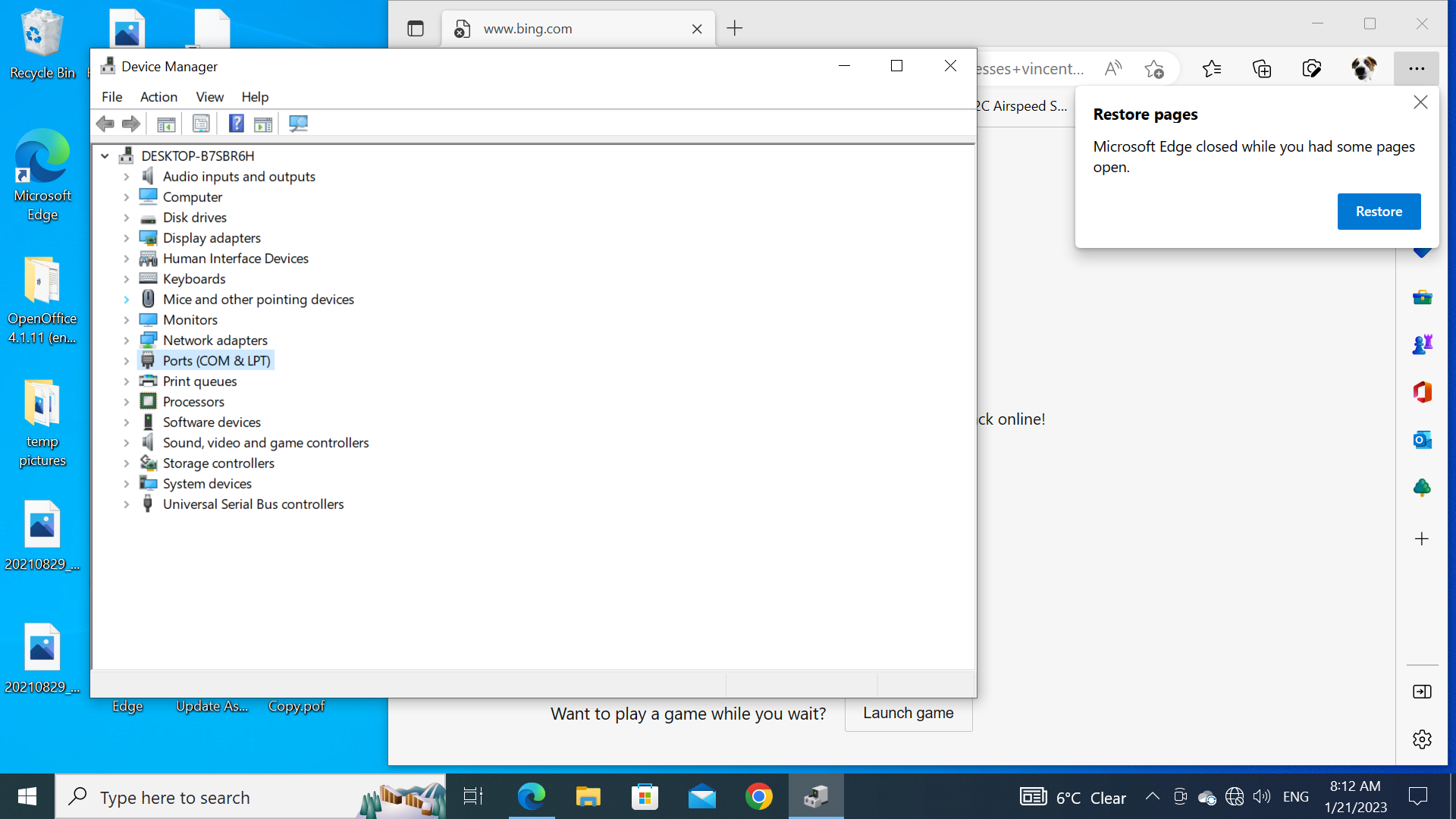
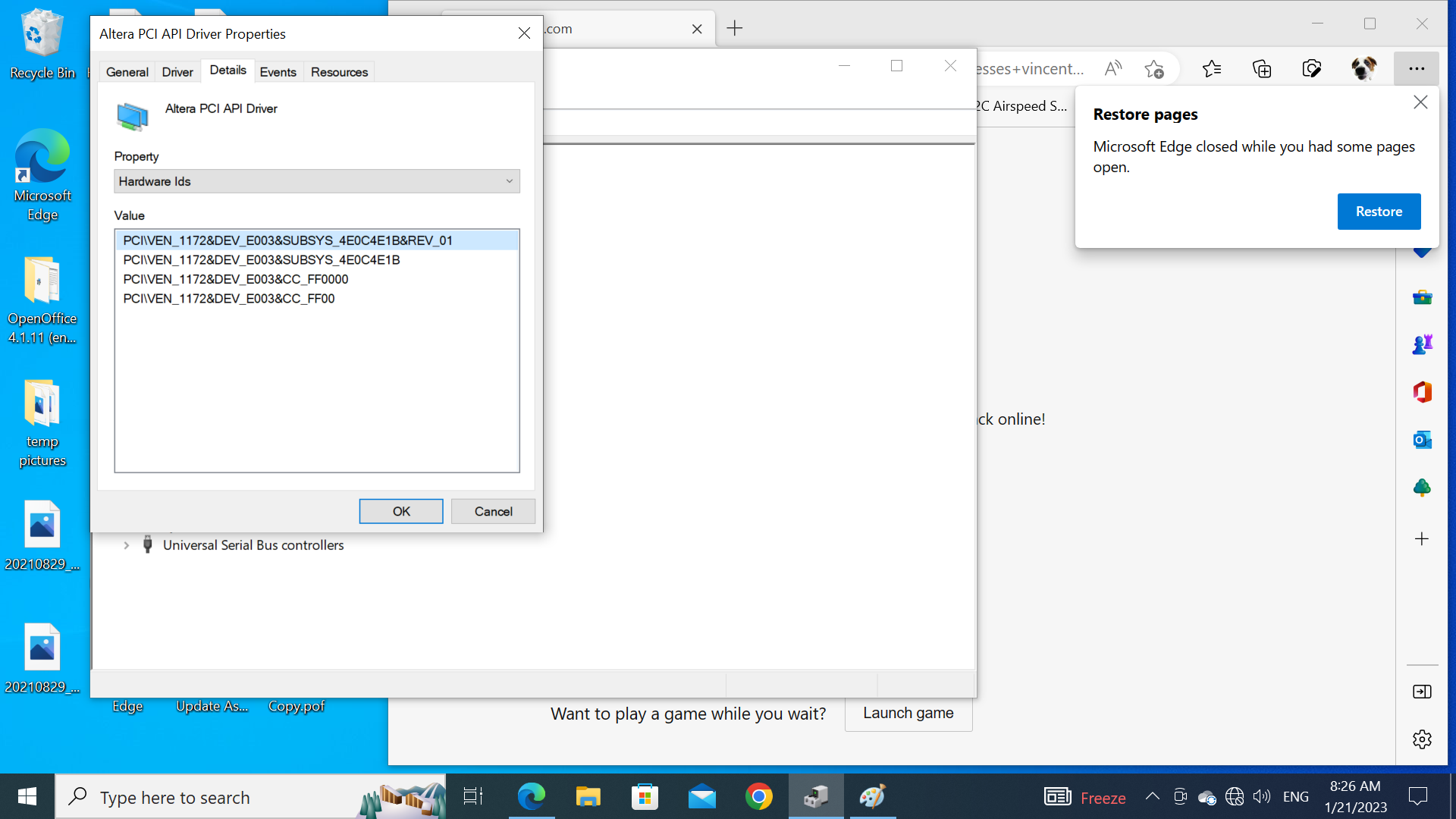
I can see the Altera PCI device after I load FPGA and reboot windows. which means everything is working( FPGA loaded and driver can see the device) before I run the altera_pcie_gui.
could you ask someone run whatever you told me on win10, and make a video clip in the Intel training? or can Intel claim that altera_pcie_gui.exe support Win10.
I think I do have some FPGA working experience, if there are thousands of engineers who are using Intel PCie core on Arria 10 FPGA without any problem, that will make me feel very frustrated.