Forum Discussion

 New Contributor
FPGA Monitor Program 18.1 Tutorial: Could not query JTAG Instance IDs. Please ensure the FPGA has be
 New Contributor
Hello,
> It was asked how should the USB ports on the FPGA card be connected to the computer but no answers were given so all of them were connected. maybe this is the reason for the failure?
You only need to connect the USB-Blaster port. It is labeled on the board. But this is unlikely the issue.
> Maybe, Quartus and "Intel FPGA Monitor Program" must be installed to the default location on drive C: for "Intel FPGA Monitor Program" and the tutorial project must be at a specific location?
I don't believe this is the issue.
> I am also wondering why the "Intel FPGA Monitor Program 18.1" installation put ...
The installer is for all university program software, not just the Monitor Program.
> BTW, are you in the "Intel FPGA Monitor Program" team?
I am a member of the Intel FPGA Academic Program team which created the Monitor Program
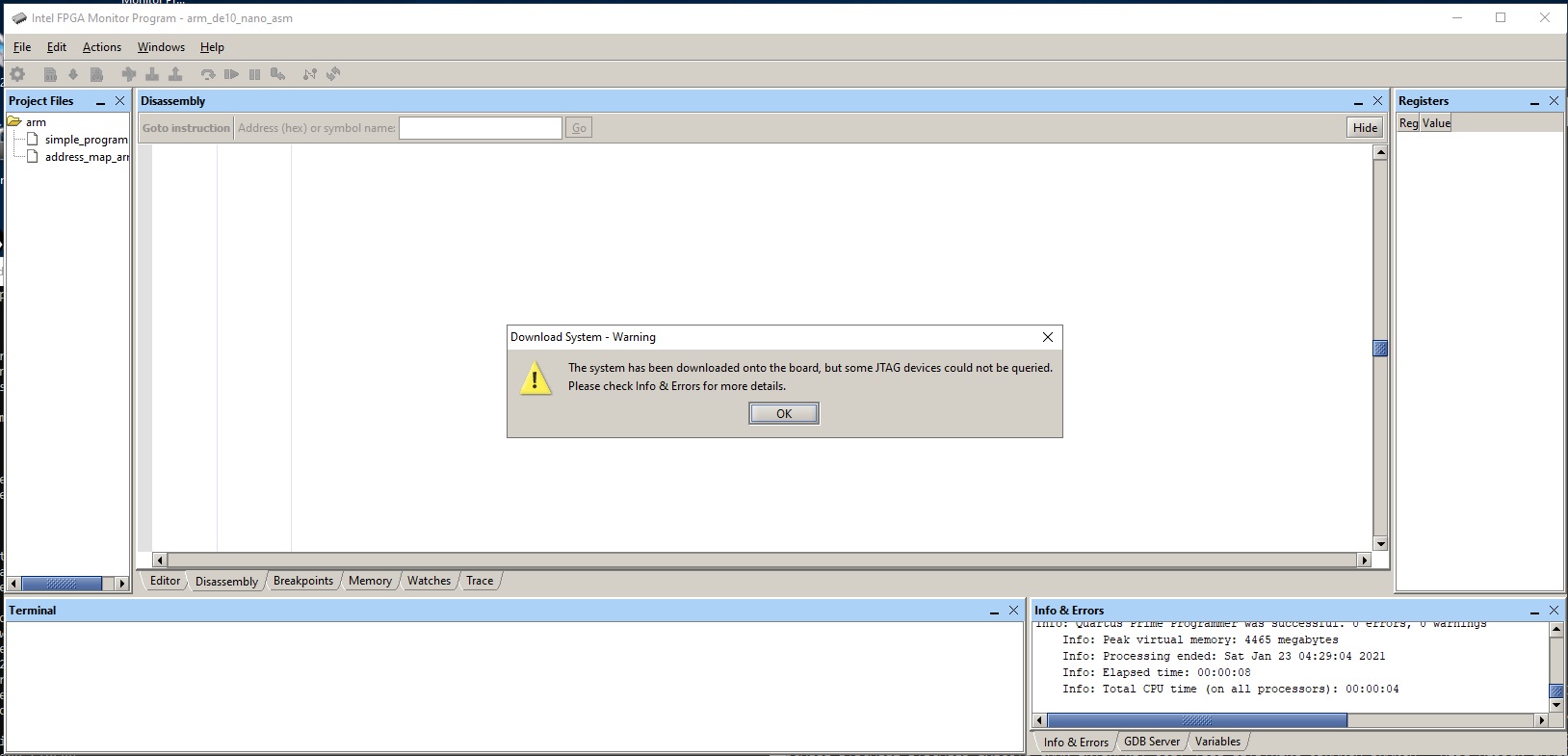
Can you please share a screenshot of the Monitor Program after clicking okay to the "Download System - Partial Success" dialog box seen in the screenshot that you already posted?
Kind regards,
Blair
 New Contributor
Hello,
> Can you please share a screenshot of the Monitor Program after clicking okay to the "Download System - Partial Success" dialog box seen in the screenshot that you already posted?
It looks like "Download System - Partial Success" was the last words from "Intel FPGA Monitor Program".
Please find attached the requested screenshot, arm_de10_nano_asm-Mar-01-2021.jpg.
> I am a member of the Intel FPGA Academic Program team which created the Monitor Program
Just out of curiosity, do you or your department has access to a De10-Nano board and the "Intel FPGA Monitor Program" running on a computer with a USB port.
BTW, the subject now is changed to 'FPGA Monitor Program 18.1 Tutorial: "Download System - Partial Success" '
Regards,
phiho
- Blair5 years ago
Hello,
The Monitor Program did download the circuit. Please try compiling and downloading the program. If that succeeds, then you will be able to run the program.
Yes, we do have access to the board and the Monitor Program, but we cannot reproduce this issue.
Kind regards,
Blair
- phiho5 years ago
Hello,
> Please try compiling and downloading the program.
Please advise how to achieve this.
> Yes, we do have access to the board and the Monitor Program, but we cannot reproduce this issue.
This is good to know. It is much appreciated if you would share your project file, the assembly source files and specify which version of Quartus and "Intel FPGA Monitor Program" you were using, the steps you performed, the screenshots and the messages in the "Info & Errors" panel after the run.
My project, "arm_de10_nano_asm.amp" contains two assembly programs: "simple_program.s" and "address_map_arm.s".
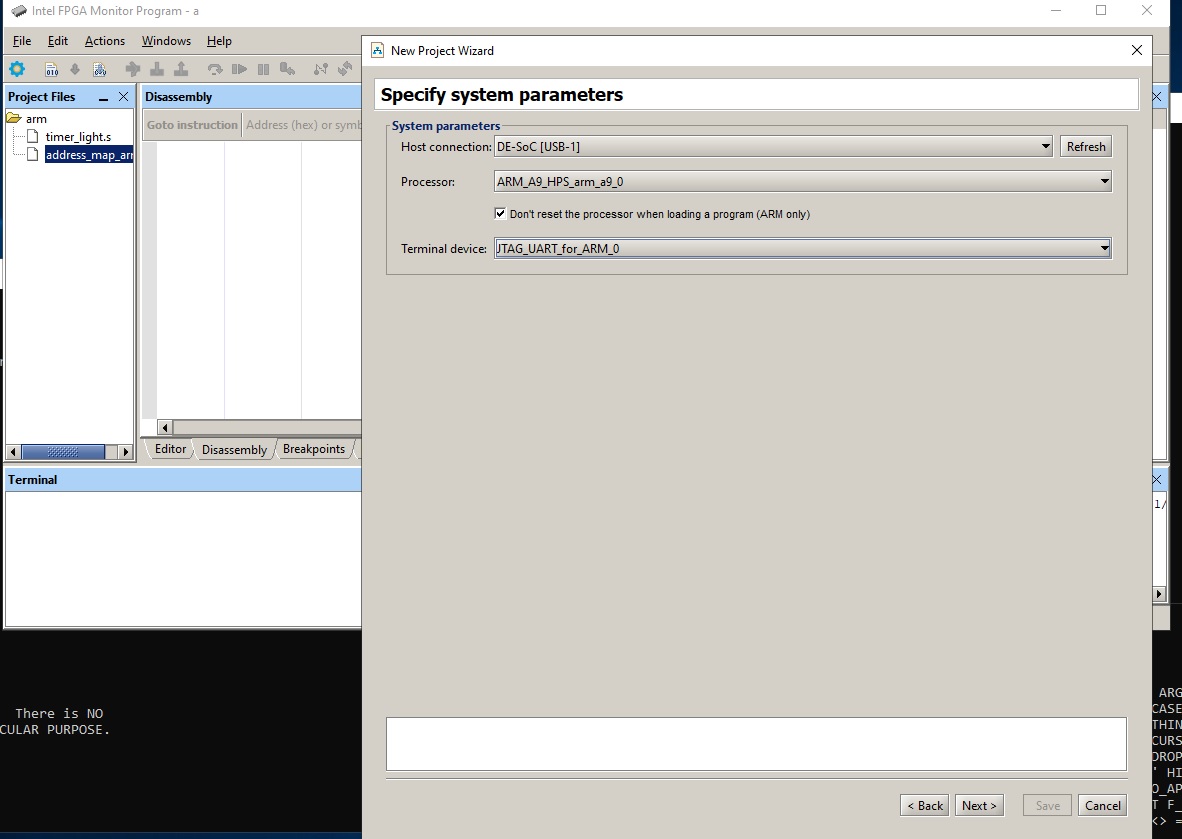
When I run "Actions/Compile&Load" I got "Loading errors".
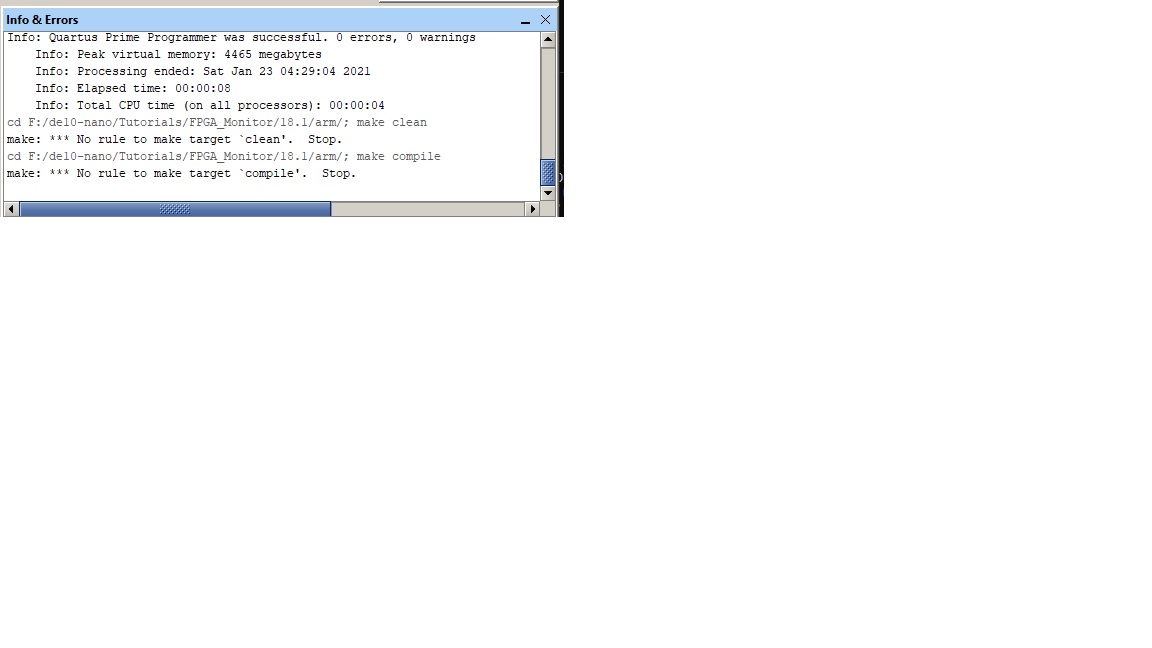
Please find attached a screenshot and the "Info&Errors" messages.
It looks like we went the full cycle, back to where we started with the subject line: "Could not query JTAG Instance IDs". Should I change the subject line again or we all know too well what the problems are?
Regards,
phiho
- phiho5 years ago
Hello Blair,
It is hoped that the attached screen shot and "Info&Errors Messages" came through. Please advise if you need them resent or do you need any further information to resolve this issue which was first reported 01-23-2021 02:00 AM.
Looking forward for your advice.
Regards,
phiho