Altera_Forum Honored Contributor
Honored ContributorHonored Contributorexport: 137: 1596.00: bad variable name
 Honored Contributor
what distro are you using? in the past this seemed to be caused by dash vs bash on Ubuntu
Honored ContributorHonored ContributorThis should solve it:
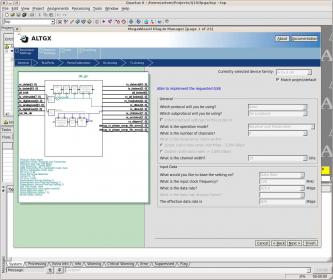
http://www.alteraforum.com/forum/showthread.php?t=26807Honored ContributorHonored ContributorThat screenshot is way too compressed to recognise anything relevant. Either provide a higher resolution screenshot, or copy-paste the error messages into the posting.
Honored ContributorHonored ContributorStart quartus from a terminal window and look if it dumps a bunch of error messages when you start the Megafunction Wizard. It seems to be designed in Java, and on some cases I've seen useful debug traces on the console after it crashes/fails.
Recently it failed for me using the LVDS wizard (Quartus 10 on Linux) and in the debug log I could see that it crashed because it expected a , instead of a . in some date or something.. really stupid bug. /BjornHonored ContributorHonored ContributorThe megawizard issue may simply be related to the fact that you were unable to Install device files. So, you should try to manually install the QDA device packages.
To do this, 1.- Go to the directory where the installer source files are. From the log file you attached, it seems to be: /mnt/sda3/temp/10.1_quartus_free_linux/altera_installer/bin/../../devices/subscription/ 2.- For every QDA file that you see in the folder (except from arriagx.qda that seem to have worked), do quartus_sh --qinstall -qda <qda file> Example quartus_sh --qinstall -qda arriaii.qda Then see if that fixes the problem.Honored Contributorquartus_sh --qinstall is ok. But quartus is not worked. I'm still on 9.1