Forum Discussion

 New Contributor
Modelsim ASE starter not directly support UVM
 5 years ago
Hi,
Unfortunately ModelSim does not have pre-compiled UVM features. You are probably thinking of Questa Sim.
You need to download UVM source files, you can do that here: https://www.accellera.org/downloads/standards/uvm
And you'll need to compile the uvm_pkg as well.
vlog -work work -sv -stats=none C:/work/ST/simulation/tb_captur_1.sv <uvm_pkg path>/uvm_pkg.sv +incdir+<UVM source path>/src
Regards,
Nurina
 Regular Contributor
Hi,
The Fatal Error occurs when the module for gcc compilation is insufficient. Can you go to the installation folder of ModelSim and confirm if gcc-4.2.1-mingw32vc12 exists? Let me know if it has a different name like vc9.
Once confirmed the correct gcc folder exists, check that the path of the C compiler in correctly set in environment variable path:
- Open Environment Variables. To do this, go to Control Panel->System & Security->System->Advanced system settings->Environment Variables...
- Under User Variables, go to "Path" and click "Edit"
- Check that it has the following path included: <modelsim installation path>\modelsim_ase\win32aloem
- If path not included, click "New" and enter the mentioned path.
Please let me know the results.
Regards,
Nurina
 xuyang5 years ago
Hi Nurina,
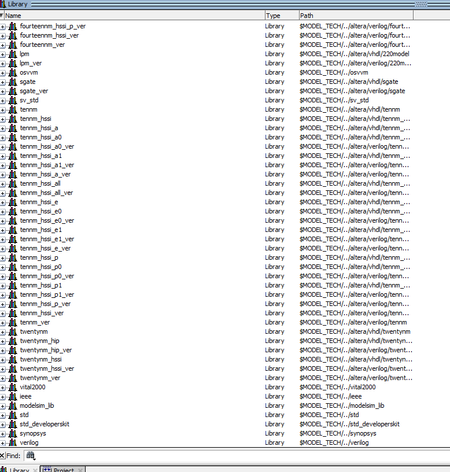
The environment variable exists, and gcc folder also exists, you can see in attached screen shots:


