seilgu New Contributor
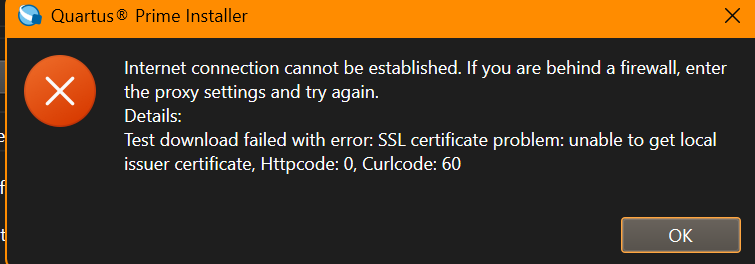
New ContributorNew ContributorTrying to install quartus prime using
qinst-lite-windows-24.1std-1077.exe
Why does my installer return this?

 Super Contributor
A Knowledge Base article has been published to address the following issue:
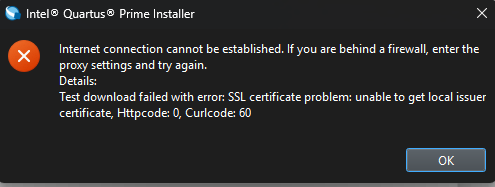
Test download failed with certificate error: SSL certificate problem: unable to get local issuer certificate (curlcode 60)
If you encounter this error when using the Quartus installer, please follow the steps outlined in the article below to resolve the issue:
https://community.altera.com/kb/knowledge-base/test-download-failed-with-certificate-error-ssl-certificate-problem-unable-to-ge/351512
Regards,
Richard Tan
Super ContributorThere is an issue with the installer certification and this will be fixed in the next Quartus installer release.
Kindly download this attached cacert.pem (unzip it first) to your machine, and from the installer settings, please specify to the new cacert.pem and test the connection.
You should be able to download it.
Regards,
Richard Tan
 New ContributorSuper Contributor
Let me check this issue with our internal team to understand why the Quartus Prime Installer is unable to download the installation files.
In the meantime, as a workaround, you can still download and install Quartus Prime Lite Edition using the .tar package (Quartus-lite-25.1std.0.1129-windows.tar) or Individual Files directly from the Altera Download Center:
Quartus Prime Lite Edition Download:
https://www.altera.com/downloads/fpga-development-tools/quartus-prime-lite-edition-design-software-version-25-1-windows
I’ll update you as soon as I have more information from the internal team.
Best regards,
Richard