Forum Discussion

 New Contributor
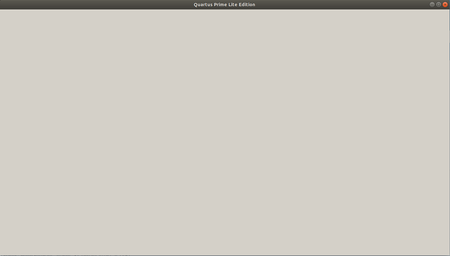
Blank window when running Quartus Prime Lite in sudo mode Ubuntu 18
 7 years ago
as mention, from my side, I just dont use the su. I also face stuck issue when try to edit the megawizard. It was resolve by https://www.intel.com/content/www/us/en/programmable/support/support-resources/knowledge-base/tools/2018/why-does-the-megawizard-got-hang-.html
 Super Contributor
 MAlek27 years ago
This doesn't work for me, unfortunately. My Quartus stucks at any try to edit or create PLL, FIFO, etc. Running without sudo is not an option.
- MAlek27 years ago
Previously you typed that you was able to see the same thing. How did you resolve it?
- KennyT_altera7 years ago
as mention, from my side, I just dont use the su. I also face stuck issue when try to edit the megawizard. It was resolve by https://www.intel.com/content/www/us/en/programmable/support/support-resources/knowledge-base/tools/2018/why-does-the-megawizard-got-hang-.html
- KennyT_altera7 years ago
Make sure the below to avoid the IP stuck.
1.Install Java from Oracle. Java version after install is:
java version "1.8.0_121"
Java(TM) SE Runtime Environment (build 1.8.0_121-b13)
Java HotSpot(TM) 64-Bit Server VM (build 25.121-b13, mixed mode)
2. Try to install Quartus in a directory path that has no uppercase letters.
3. Right after Megawizard is opened, stretch the window out a little (drag a corner) and make it so scrolling is not necessary.
4. make sure when you launch quartus, there are no error message showing lib is missing.


