Forum Discussion

 New Contributor
USing VCS RTL Simulation from quartus pro generated code

 Super Contributor
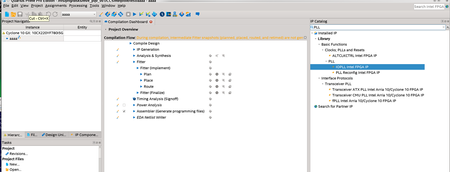
The screenshot resolution is bad to look at but the second screenshot seems to generate HDL for the specific IP. Does not look like it generate the Simulator Setup Script.
Anyhow, you may checkout the User Guide below on how to run the simulation using the Questa Intel FPGA Edition. The scripting concept is the same for VCS.
https://www.intel.com/content/www/us/en/docs/programmable/691278/21-3/quick-start.html
 New Contributor
\
->Generated simulation Model.
2) Actually, In mentor it is easy
A) After generation IP from quartus pro, turn off it
B) just want to run the simple script. ( eaxmple.run)
vlogen /!~~~path /generated_IP_name.v
-------------------------------------------
----MISSING PART (wanted part ) ----------------
-------------------------------------------
vcs top_name -kdb
simv
c) >> example.run
How to do it ?
d) ur example is for using Quartus,
even image link is broken
Thanks


