Forum Discussion

 New Contributor
change the slew rate to medium MAX V
 2 years ago
Hi,
1. pin planner doesn't display all available pin option by default. Use "customize columns" in context menu to display "Slow Slew Rate" option.
2. The tcl command is
set_instance_assignment -name SLOW_SLEW_RATE ON to <pin name>
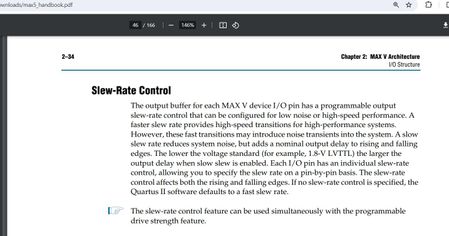
There's no "medium" slew rate setting. You can set "slow slew rate" for individual pins, default setting is off. Review resource section, output pins in fitter report in case of doubt.
 Super Contributor
Hi,
1. pin planner doesn't display all available pin option by default. Use "customize columns" in context menu to display "Slow Slew Rate" option.
2. The tcl command is
set_instance_assignment -name SLOW_SLEW_RATE ON to <pin name>
There's no "medium" slew rate setting. You can set "slow slew rate" for individual pins, default setting is off. Review resource section, output pins in fitter report in case of doubt.
 New Contributor
thank you!


